Step-by-step guides · 73 videos · Scale Size Finder
Model Railroad Scenery How-To's
From bare foam to a finished scene: hills, rocks, ballast, static grass, trees, water and snow. Each how-to has simple steps, the best videos from Woodland Scenics, Scenic Express and WWScenics, and the supplies you need.
Pick a How-To
11 guides, in build order 01Shape the landHills & LandformsShape hills, valleys and cuts with lightweight foam, then skin them with plaster.
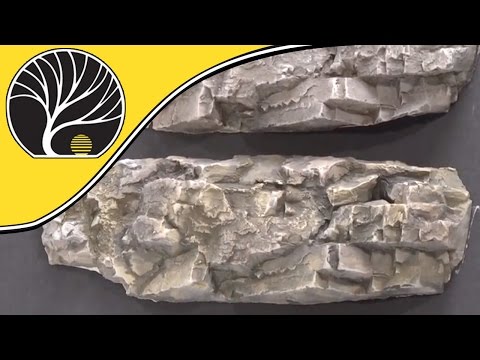 02Shape the landRocks & CliffsCast, carve and color rock faces that look like real stone, then add talus at the base.
 03Roads & trackRoads & Paved AreasPour smooth asphalt and concrete roads, crossings, curbs and sidewalks.
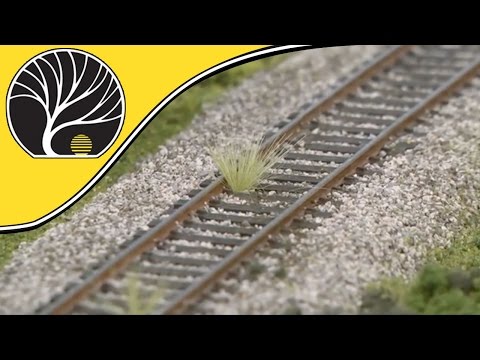 04Roads & trackBallast & TrackBallast track so it looks like the real railroad, without gluing your turnouts solid.
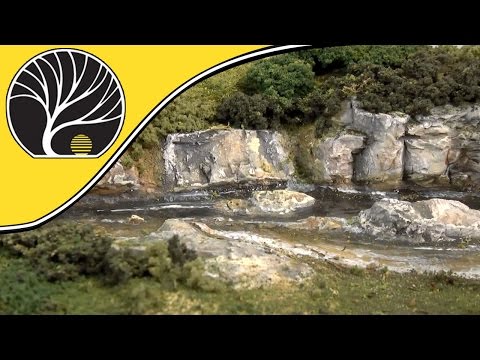 05Ground & grassGround Cover & DirtLayer turf, soil and flock so the ground looks lived-in, not carpeted.
 06Ground & grassStatic GrassMake grass stand up like the real thing, then layer lengths and colors for a natural meadow.
 07Bushes & treesTufts, Bushes & WeedsPlant bushes, grass tufts, field grass, vines and flowers where nature would put them.
 08Bushes & treesTrees & ForestsBuild realistic trees from armatures or natural SuperTrees, sized right for your scale.
 09WaterWater, Rivers & WaterfallsPour ponds, rivers and waterfalls that look deep, with ripples and white water.
 10FinishingSnow & SeasonsSet your scene in spring, fall or the dead of winter with snow, leaves and seasonal grass.
 11FinishingWeathering & Final DetailsWeather track and rocks, add the small details and finish the edges like a pro.
How-To 01 · Shape the land
Hills & Landforms
Every scene starts with shape. Foam is light, clean and easy to carve, and a plaster shell turns it into hard, paintable ground. Get the shape right here and every layer after it looks better.
What you'll need
Step by step
- 1
Plan the land
Mark where the track, roads, buildings and water will go. Keep building sites and road areas flat, and let the land rise and fall everywhere else. Real ground is rarely level.
- 2
Stack and carve foam
Glue foam sheets together with a foam-safe glue such as Foam Tack Glue or a low-temp foam glue gun. Carve rough hills with a foam knife or hot wire cutter. Use risers and inclines to lift the track on smooth, even grades.
- 3
Fill and smooth
Fill seams, gaps and dents with Foam Putty and let it dry. Rough is fine: the plaster and ground cover will hide small bumps.
- 4
Add the plaster shell
Dip plaster cloth in water and lay it over the foam in overlapping strips, smoothing each one with your fingers. Add a second layer where the shell needs to be stronger. For rugged, sculpted shapes, bend Shaper Sheet to the form you want and plaster over it.
- 5
Kill the white
Brush Earth Undercoat thinned with water over every bit of white plaster and let it run into the folds and low spots. Woodland Scenics says it should look slightly translucent. If ground cover ever thins out, earth shows through instead of white.
Watch how it's done
Shop this step
See all foam boards →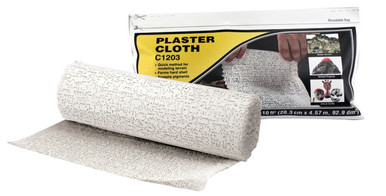 Woodland ScenicsPlaster Cloth$9.59In stock
 Woodland Scenics18" Shaper Sheet$23.99In stock
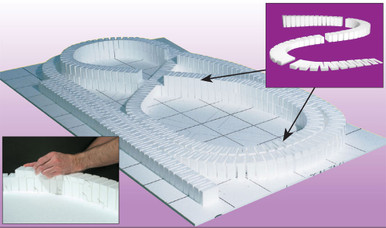 Woodland Scenics3% Riser Incline Set · 6 Pieces$19.99In stock
 Woodland ScenicsFoam Tack Glue$11.99In stock
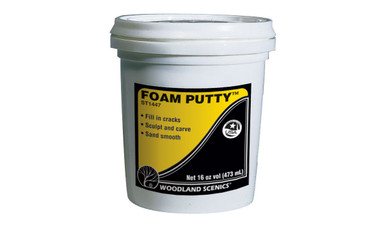 Woodland ScenicsFoam Putty$9.59In stock
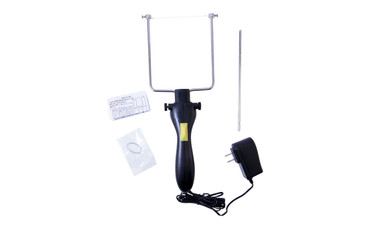 Woodland ScenicsHot Wire Foam Cutter$39.99In stock
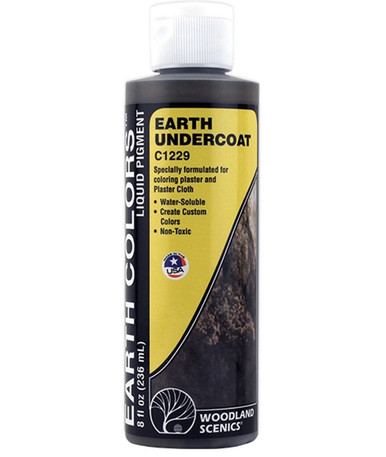 Woodland ScenicsEarth · Undercoat Liquid Pigment$9.59In stock
 American Art Clay Co IncSculptamold · 3 lb$12.33In stock
How-To 02 · Shape the land
Rocks & Cliffs
Rock castings are the fastest way to add drama: cliffs, cuts, outcroppings and creek beds. Cast them in plaster from flexible molds, set them into the hillside, then bring them to life with thin washes of color.
What you'll need
Step by step
- 1
Wet the molds
Mix "wet water": about two drops of dish soap in a cup of water. Spray it inside the rock molds and pour out the extra. It stops air bubbles. Prop the molds level in a box of sand or on wadded paper.
- 2
Mix and pour
Sift Lightweight Hydrocal into water (Woodland Scenics uses 8 oz of Hydrocal to 3 fl oz of water for castings), stir gently for about 30 seconds and fill the molds a third to half full. Tap them to release bubbles. Unmold after 30–40 minutes.
- 3
Set the castings
Break the castings into varied pieces and test-fit them with the rock layers (strata) running horizontally. Wet the plaster where they'll go, butter the backs with a thicker Hydrocal mix, press them in and fill the gaps. Let them dry at least 12 hours.
- 4
Leopard-spot the color
Thin Burnt Umber and Yellow Ocher Earth Colors about 1 part to 16 parts water, and Black about 1 to 32. Dab umber over a third of the rock, ocher over another third, leave a third white, then wash Black over everything to tie it together.
- 5
Add talus
Sprinkle talus (rock debris) below cliffs, in erosion gullies and around tunnel portals. Glue it with equal parts Scenic Glue and water plus a drop of dish soap, applied with an eyedropper. Add a second coat once the first is dry.
Watch how it's done
Shop this step
See all rock molds & supplies →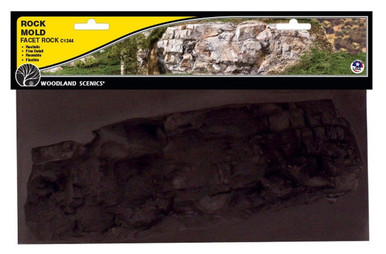 Woodland ScenicsFacet Rock Mold$10.39In stock
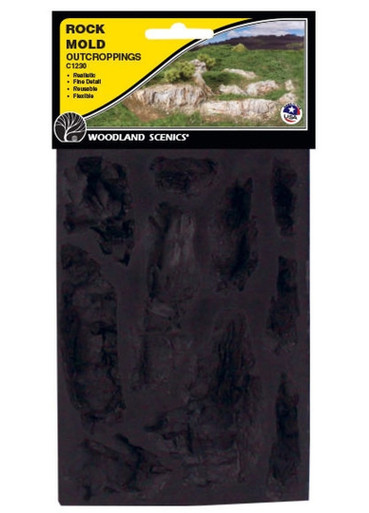 Woodland ScenicsOutcroppings Rock Mold$8.79In stock
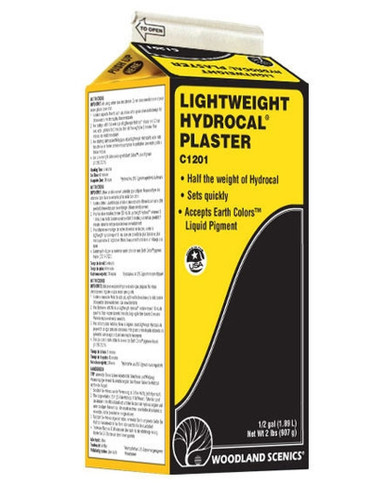 Woodland ScenicsLightweight Hydrocal Plaster$11.99In stock
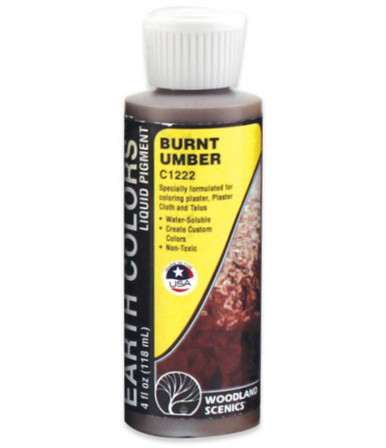 Woodland ScenicsBurnt Umber · Earth Color Liquid Pigment$7.19In stock
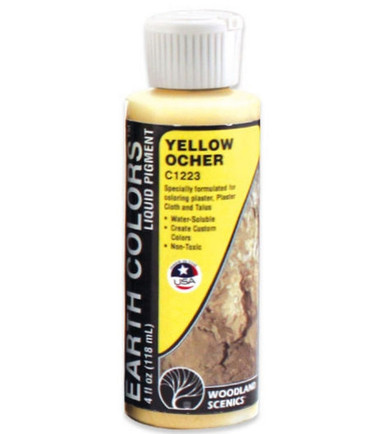 Woodland ScenicsYellow Ocher · Earth Color Liquid Pigment$7.19In stock
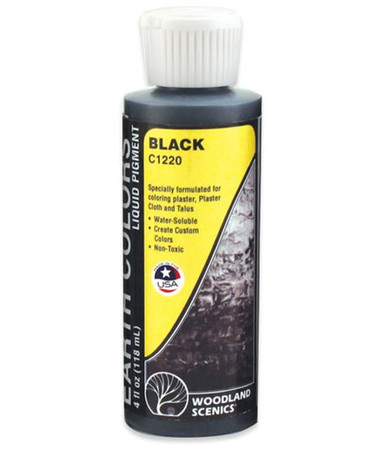 Woodland ScenicsBlack · Earth Color Liquid Pigment$7.19In stock
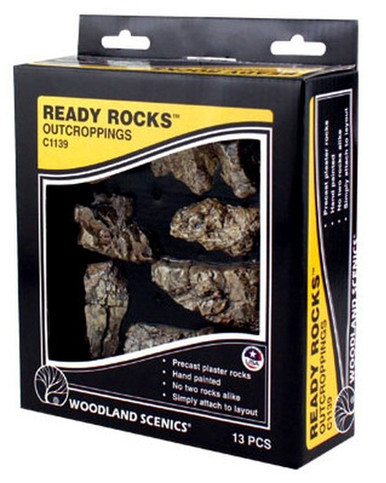 Woodland ScenicsOutcroppings Ready Rocks · 13 Pieces$19.19In stock
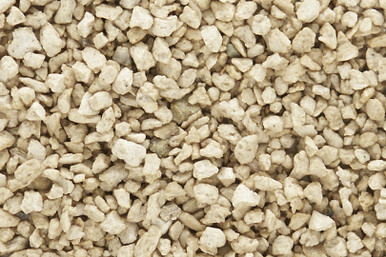 Woodland ScenicsMedium Buff Talus$4.79In stock
How-To 03 · Roads & track
Roads & Paved Areas
Roads go in before the grass, so the ground cover can run right up to the pavement edge. Woodland Scenics' Road System uses paving tape as forms and Smooth-It as the pavement: no cutting, no seams.
What you'll need
Step by step
- 1
Draw the roads
Pencil in roads, parking lots and foundations on flat areas, then test-fit your buildings. Woodland Scenics suggests 2½ in. for an HO country road and 4⅛ in. for an HO city street. Use the Scale Size Finder below for your scale.
- 2
Lay the paving tape
Stick Paving Tape along your lines. At grade crossings, butt the tape up to the rails and cut strips to fit between them.
- 3
Pour the pavement
Mix Smooth-It (Woodland Scenics: 2 cups to ¾ cup water) and spread it between the tapes with the spreader, level with the tape tops and rails. Let it dry about 30 minutes.
- 4
Open the flangeways
Pull the tape, then run a hobby knife along the inside of each rail a few times to cut a groove for the wheel flanges. Roll a car through and repeat until nothing bumps.
- 5
Sand, paint and stripe
Sand lightly with 220-grit, then paint roads with Asphalt Top Coat and sidewalks and foundations with Concrete Top Coat. Add lane lines with striping pens, then cracks, patches and oil stains.
Watch how it's done
Shop this step
See all roads →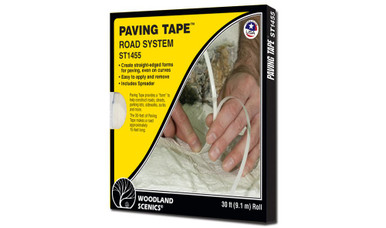 Woodland ScenicsPaving Tape · HO or N$8.79In stock
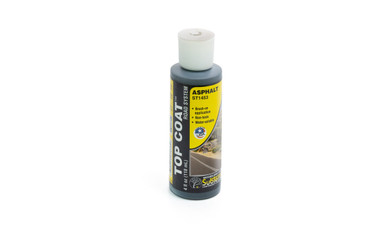 Woodland ScenicsAsphalt Top Coat$6.39In stock
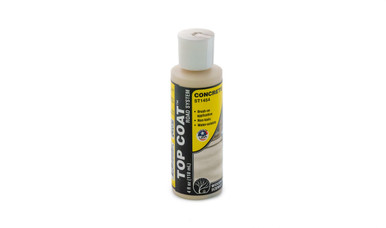 Woodland ScenicsConcrete Top Coat$6.39In stock
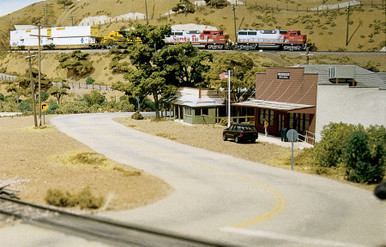 Woodland ScenicsRoad System Learning Kit$15.99In stock
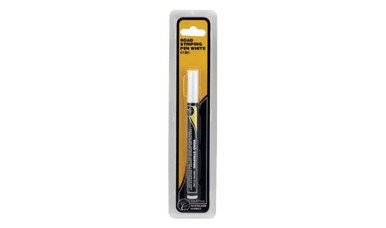 Woodland ScenicsWhite Road Striping Pen$10.39In stock
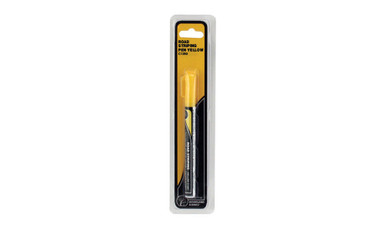 Woodland ScenicsYellow Road Striping Pen$10.39In stock
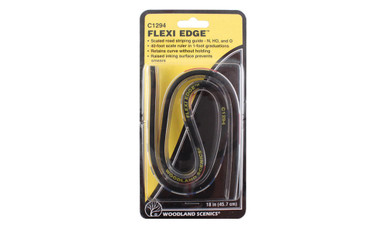 Woodland ScenicsFlexi Edge Road Striping Guide$11.99In stock
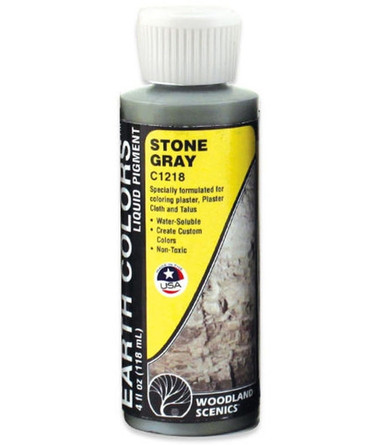 Woodland ScenicsStone Gray · Earth Color Liquid Pigment$7.19In stock
How-To 04 · Roads & track
Ballast & Track
Ballast is the crushed rock that holds real track in place, and nothing makes a layout look finished faster. The trick is simple: spread it dry, make it level with the ties, wet it, then glue it.
What you'll need
Step by step
- 1
Pick the size and color
Match the stone size to your scale (see the Ballast tab in the Scale Size Finder). Mainlines usually get clean gray ballast, while yards and branch lines look right with cinders, darker or weedier ballast.
- 2
Glue the shoulders
Brush a little Scenic Cement on the sloped sides of the roadbed, keeping it off the rails.
- 3
Spread it dry
Pour ballast between the rails and down the shoulders. Stay away from turnout points, throwbars and switch machines.
- 4
Level and clean
Brush the ballast off the rails and tie tops with a soft, wide brush until it sits level with the top of the ties. Tap the rails to shake loose grains off the ties.
- 5
Wet, then glue
Mist the ballast first so the glue can soak in (Scenic Cement has a wetting agent; Woodland Scenics says mist, then saturate). Then flood it with Scenic Cement from an eyedropper or sprayer until it's soaked through.
- 6
Check and clean
While it's still wet, throw every turnout a few times so nothing glues solid. When dry, clean the rails before running trains.
Watch how it's done
Shop this step
See all ballast →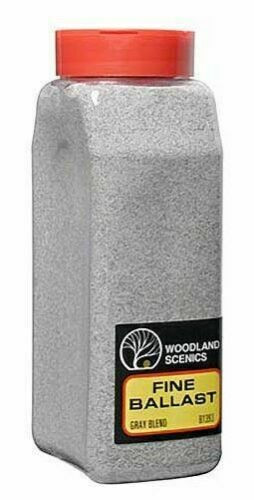 Woodland ScenicsBallast · Gray Blend · Fine · Shaker B1393$11.99In stock
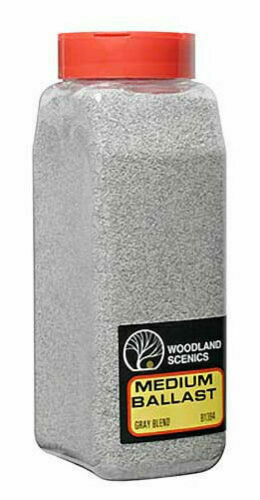 Woodland ScenicsBallast · Gray Blend · Medium · 32oz Shaker$11.99In stock
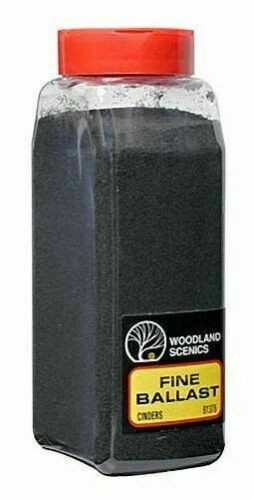 Woodland ScenicsBallast · Cinders · Fine · 32oz Shaker$11.99In stock
 Scenic ExpressNatural Stone Ballast #50 for HO or N · Blended · 1 Quart .95L$18.99In stock
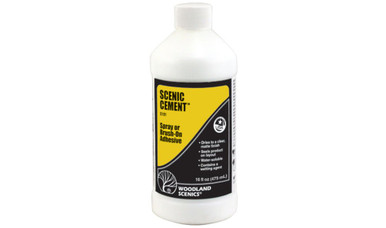 Woodland ScenicsScenic Cement$7.99In stock
 Scenic ExpressSpray Mister · 20oz$11.95In stock
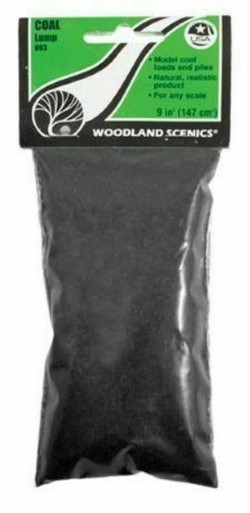 Woodland ScenicsLump Coal · HO or N Scale$4.79In stock
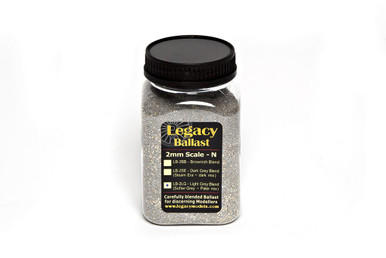 DCCconceptsN Scale Ballast · 2mm · Grey Blend$6.17In stock
How-To 05 · Ground & grass
Ground Cover & Dirt
Ground cover is the base coat of nature. Real ground is never one color: it's dirt, dry patches, green growth and debris all mixed up. Build it in thin layers and let a little earth show through.
What you'll need
Step by step
- 1
Start with earth
Paint the terrain an earth color first (Earth Undercoat over plaster). Any gap in the ground cover then looks like dirt, not white plaster.
- 2
Mist and sprinkle
Work a few square feet at a time. Mist the area with Scenic Cement, then sprinkle a blended turf, leaving some earth showing.
- 3
Add accent colors
Sift Burnt Grass and Yellow Grass fine turf where the ground gets little water. Use Soil and Earth colors in ditches, gullies, trails and creek beds.
- 4
Add texture
Sprinkle coarse turf for weeds, coarse grass and small plants. Avoid rock faces.
- 5
Lock it in
Mist the whole area again with Scenic Cement. Add glue between layers as you build up.
- 6
Flyspeck it
Fold a sheet of paper into an L, put a pinch of Soil fine turf on it, and gently puff it onto glue-misted rocks and grass. Woodland Scenics calls this flyspecking: instant dust and dirt.
Watch how it's done
Shop this step
See all turf →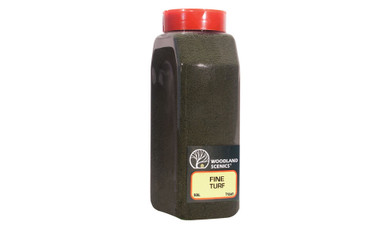 Woodland ScenicsFine Turf Shaker, Soil$10.39In stock
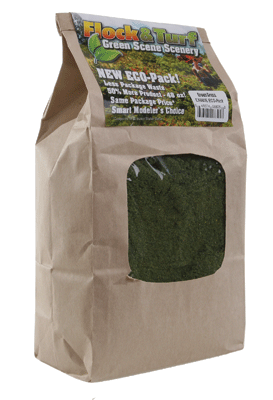 Scenic ExpressFlock & Turf Ground Cover ECO-Pak Bag · Green Grass Blend 48oz$15.99In stock
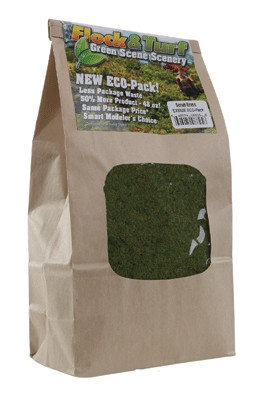 Scenic ExpressFlock & Turf Ground Cover ECO-Pak Bag · Scrub Grass Blend 48oz$15.99In stock
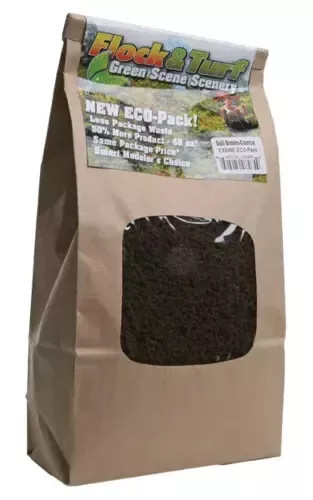 Scenic ExpressFlock & Turf · 48oz · Soil Brown · Coarse$14.49In stock
 Woodland ScenicsBase Layer · All Game Terrain · Soil$3.19In stock
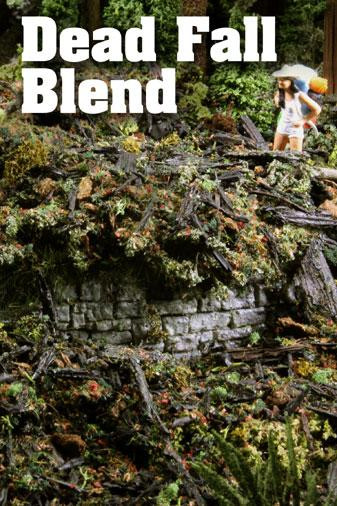 Scenic ExpressFlock & Turf · 64oz · Dead Fall Debris$26.99In stock
 Woodland ScenicsScenic Glue$7.19In stock
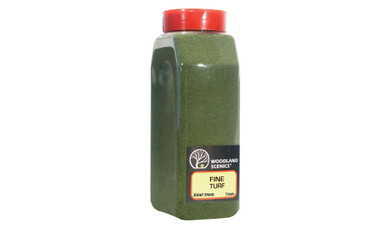 Woodland ScenicsFine Turf Shaker, Burnt Grass$10.39In stock
How-To 06 · Ground & grass
Static Grass
Static grass is the single biggest upgrade most layouts can get. An applicator gives the fibers a static charge so they land standing up in the glue, like real blades of grass. Three things make it work: glue, not too much grass, and mixed colors.
What you'll need
Step by step
- 1
Pick your lengths
Use the Grass tab in the Scale Size Finder to choose fiber lengths for your scale: short for lawns and pasture, longer for weeds and meadows.
- 2
Glue a small patch
Brush a thin, even layer of static grass glue over a small area. Work small: if the glue skins over, the fibers won't stick. No glue, no standing grass.
- 3
Load the applicator
Fill the hopper only about a quarter full. WWScenics' tip: if it's packed, the fibers can't move around to pick up a charge.
- 4
Apply the first layer
Switch on, hold the hopper about an inch above the glue and shake gently side to side. Stop once the glue is covered. Too much grass makes it lie flat. On WWScenics applicators, keep the clip close to the hopper; no nail in your scenery needed.
- 5
Layer it
Mist a layering spray adhesive over the first layer and add longer fibers in patches. Mix in dead, straw and patchy colors. Nature is never one green.
- 6
Let it dry
Leave it for about four hours, then vacuum up the loose fibers. Put a stocking over the nozzle and you can reuse them.
Watch how it's done
Shop this step
See all static grass → Woodland ScenicsStatic King For Static Grass$87.99In stock
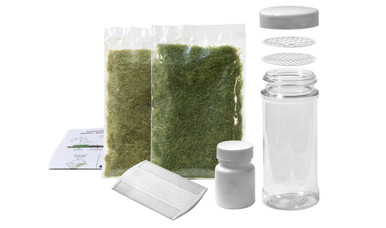 Woodland ScenicsStatic Grass Starter Kit$13.59In stock
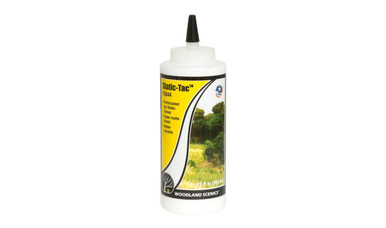 Woodland ScenicsStatic Grass · Static-Tac Glue$8.79In stock
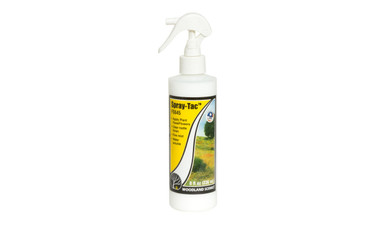 Woodland ScenicsSpray-Tac Glue$7.19In stock
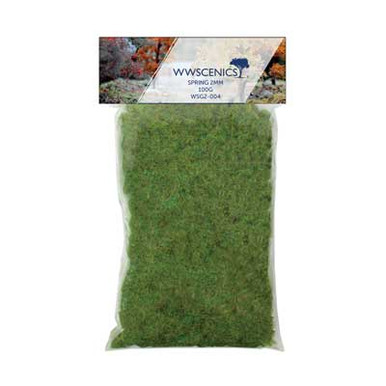 WWScenicsStatic Grass · Spring · 2mm Fibers · 100g$18.33In stock
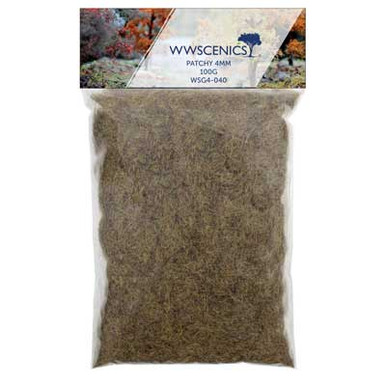 WWScenicsStatic Grass · Patchy · 4mm Fibers · 100g$18.33In stock
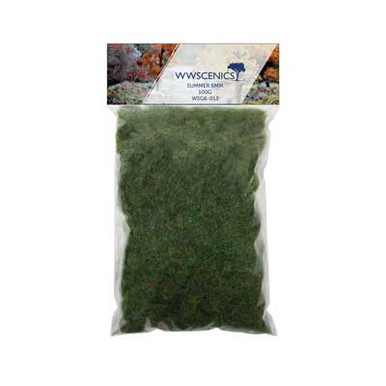 WWScenicsStatic Grass · Summer · 6mm Fibers · 100g$18.33In stock
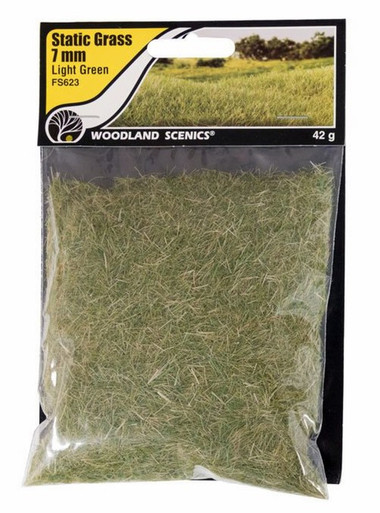 Woodland ScenicsStatic Grass · 7mm Light Green$4.79In stock
How-To 07 · Bushes & trees
Tufts, Bushes & Weeds
This is the in-between layer that makes scenery believable: bushes along fence lines, tufts at the base of rocks, weeds against foundations, vines on the hillside. A little goes a long way.
What you'll need
Step by step
- 1
Plant bushes in families
Bushes tend to grow in groups of one kind, so keep each color together in clusters. Test the placement, then glue them down with Scenic Glue.
- 2
Highlight and seal
Sprinkle a little Yellow Grass fine turf on top as sunlight highlights, then mist lightly with Scenic Cement.
- 3
Add tufts
Peel 'n' Place tufts go anywhere a mower can't reach: along the track, fence posts, rocks and building corners. Plant them in loose, odd-numbered groups.
- 4
Plant field grass
Roll a small clump of Field Grass between your fingers, trim it to length, dip the cut end in Hob-e-Tac and hold it in place for a few seconds.
- 5
Stretch vines and flowers
Pull Poly Fiber or Flowering Foliage thin and lacy, press it onto the hillside, add a pinch of turf and mist with Scenic Cement.
Watch how it's done
Shop this step
See all tufts →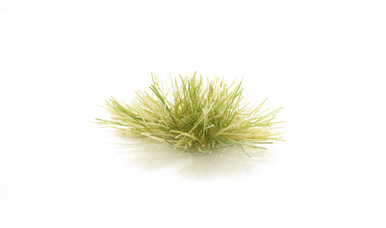 Woodland ScenicsPeel 'n' Place Tufts · Light Green Grass (21)$7.99In stock
 Woodland ScenicsPeel 'n' Place Tufts · Brown Tipped Prairie Grass (20)$7.99In stock
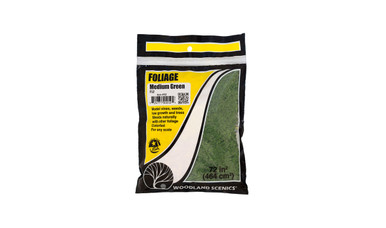 Woodland ScenicsFoliage Bushes & Shrubs · Medium Green$5.59In stock
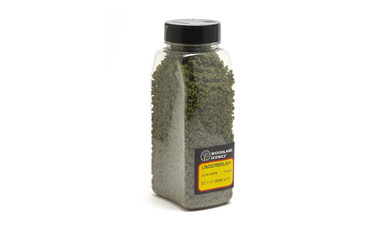 Woodland ScenicsUnderbrush · Shaker · Olive$13.59In stock
 Woodland ScenicsField Grass · Harvest Gold$4.79In stock
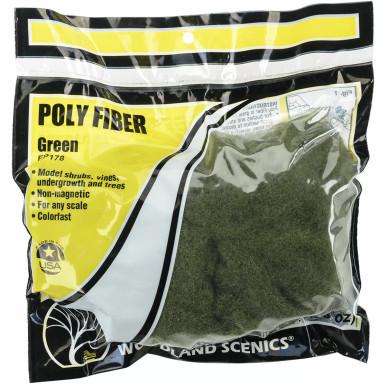 Woodland ScenicsPoly Fiber · Green · 16g 0.56 oz Bag$4.75In stock
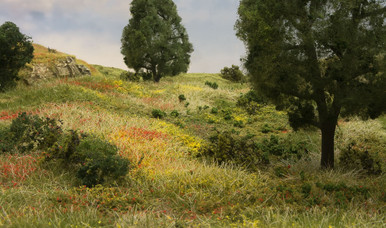 Woodland ScenicsFlowers In 4 Colors$4.79In stock
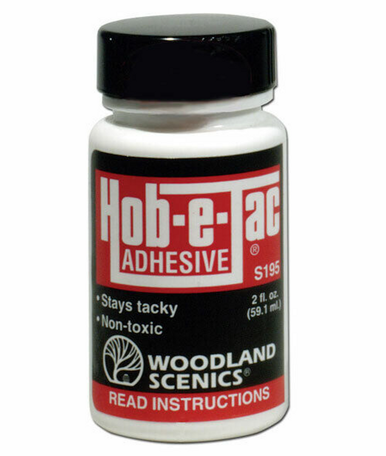 Woodland ScenicsHob-e-Tac® Adhesive$6.39In stock
How-To 08 · Bushes & trees
Trees & Forests
Trees are the biggest thing in most landscapes, and real ones are much taller than most people expect. Build them in batches, vary the shapes and colors, and plant them in groups.
What you'll need
Step by step
- 1
Size them right
Use the Trees tab in the Scale Size Finder. A 60-ft oak is about 8¼ in. tall in HO and 4½ in. in N.
- 2
Armature trees: shape and glue
Twist and bend plastic armatures into a 3-D shape. Paint Hob-e-Tac on the branches and wait about 15 minutes until it's clear and tacky.
- 3
Armature trees: add foliage
Dip the tree in Clump-Foliage, or press on pieces of Fine-Leaf Foliage until it's as full as you like. Sprinkle a little fine turf on top for highlights, then mist with Scenic Cement.
- 4
SuperTrees: prep and soak
Break natural SuperTree clumps at the Y and trim them while dry. Soak them in matte medium thinned 1 part to 7 parts water for at least 30 seconds. Scenic Express says to use only matte medium, not thinned white glue or hairspray.
- 5
SuperTrees: flock and dry
While they're wet, sprinkle leaf flake or foam onto the tops of the branches, where leaves really grow. Hang them upside down on a line with clothespins to dry.
- 6
Plant them
Poke a hole in the scenery, add a drop of glue and push the tree's pin or trunk in. Group trees of different heights, and fill the back with Forest Canopy so it reads as a forest.
Watch how it's done
Shop this step
See all trees →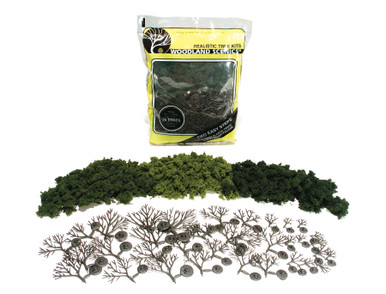 Woodland ScenicsRealistic Tree Kit · Light, Medium & Dark Green$18.39In stock
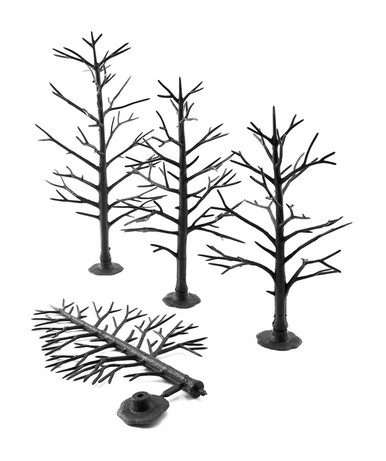 Woodland ScenicsDeciduous Tree Armatures · 5" to 7" (12)$13.59In stock
 Woodland ScenicsValue Trees, Green Mix · 2" to 3" (23)$31.99In stock
 Woodland ScenicsValue Trees, Conifer · 2.25" to 4" (33)$31.99In stock
 Scenic ExpressSuperLeaf Scale Model Leaf Flake · Shaker · 16oz · Medium Green$10.99In stock
 Scenic ExpressMatte Medium Concentrate · 16oz$15.49In stock
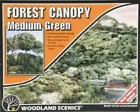 Woodland ScenicsMedium Green Forest Canopy Kit$19.99In stock
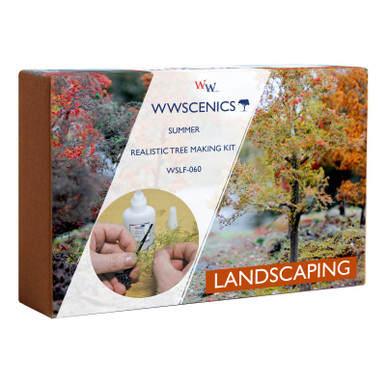 WWScenicsRealistic Tree Making Kit · Summer$36.67In stock
How-To 09 · Water
Water, Rivers & Waterfalls
Model water is mostly paint. The depth you see comes from the colors under a thin clear layer. Do the landscaping first, paint the bed dark in the middle and light at the edges, then pour.
What you'll need
Step by step
- 1
Paint the bed
Paint the deepest areas darkest (center of the river, under waterfalls) and blend to lighter earth tones toward the banks. Let it dry completely, and keep Scenic Cement off the water area.
- 2
Place the details
Set rocks, talus, dead fall and anything else in the water now, glued down with a little Realistic Water. Let it dry before you pour.
- 3
Dam the edges
Tape the edge of the layout where the water meets it, so the pour can't run off. Peel the tape after it dries.
- 4
Pour in thin layers
Realistic Water goes on up to ⅛ in. at a time and dries clear in about 24 hours (milky at first is normal). For deeper water, Deep Pour goes up to ½ in. per pour; wait about 4 hours, until it's sticky, before the next layer.
- 5
Add motion
Shape ripples and splashes on top with Water Effects. For a waterfall, spread Water Effects on a non-stick surface, let it cure overnight, peel it off and glue it in place. Dab white highlights where water churns.
Watch how it's done
Shop this step
See all water → Woodland ScenicsRealistic Water$21.59In stock
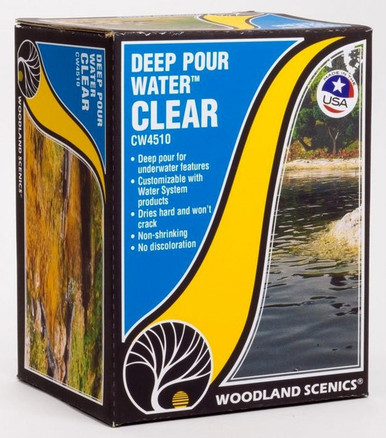 Woodland ScenicsDeep Pour Water · Clear$29.59In stock
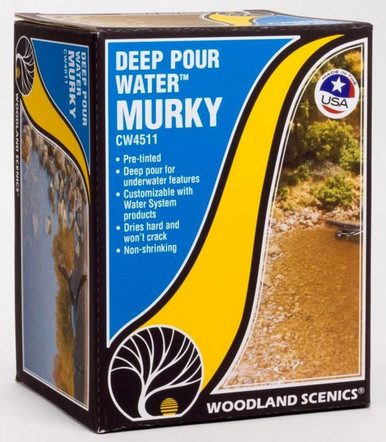 Woodland ScenicsDeep Pour Water · Murky$29.59In stock
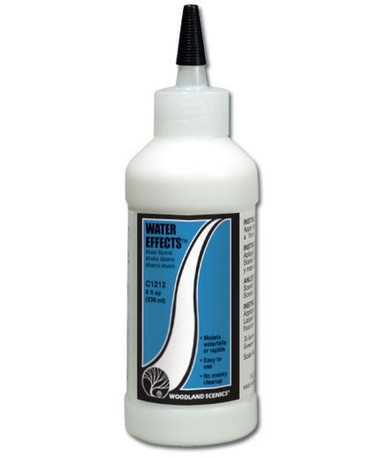 Woodland ScenicsWater Effects · 8oz$15.99In stock
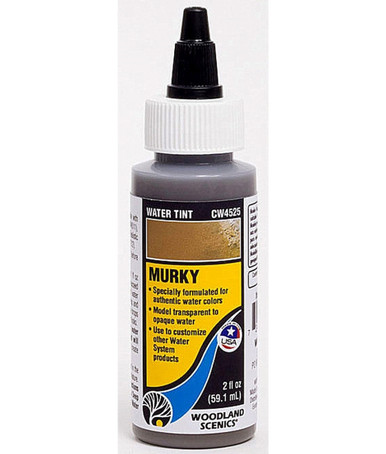 Woodland ScenicsWater Tint · Murky$4.79In stock
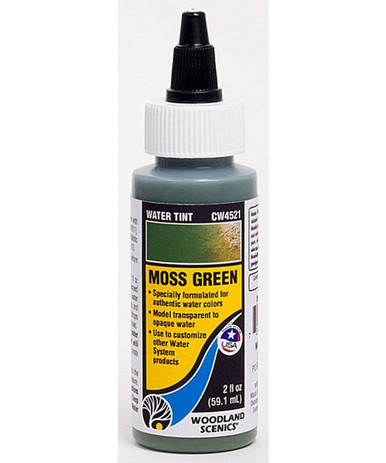 Woodland ScenicsWater Tint · Moss Green$4.79In stock
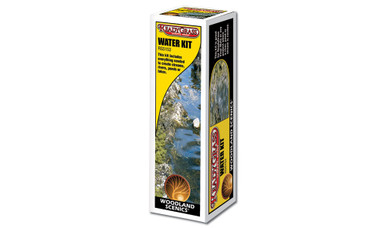 Woodland ScenicsWater Kit$13.59In stock
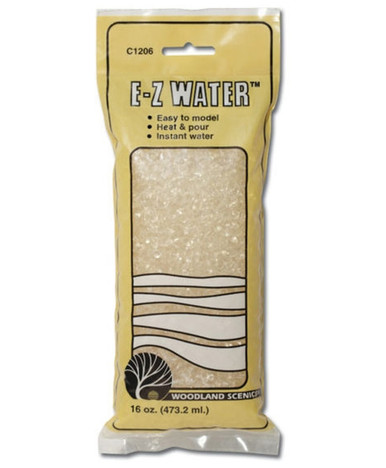 Woodland ScenicsE-Z Water$14.39In stock
How-To 10 · Finishing
Snow & Seasons
Picking a season gives a layout a story. Spring is bright green, late summer goes gold, fall brings reds and oranges, and winter covers it all in white. Pick one and stick to it across the scene.
What you'll need
Step by step
- 1
Pick a season
Choose your ground cover, static grass and foliage colors to match: fresh greens for spring, golds and straw for late summer, reds, oranges and dead grass for fall.
- 2
Glue where snow lands
Mist Scenic Cement where you want snow. Snow settles on flat ground, roofs and the tops of branches, and drifts against walls and fences.
- 3
Sprinkle and repeat
Sprinkle Soft Flake Snow onto the wet glue. Repeat for a heavier cover, then mist again to seal it.
- 4
Make drifts
Pour snow into piles where wind would drift it and soak it with glue to lock it in place.
- 5
Frost and fall
For frost on grass, apply fine static snow fibers over grass. For fall, sprinkle leaf flake over the ground and in the trees.
Watch how it's done
Shop this step
See all snow →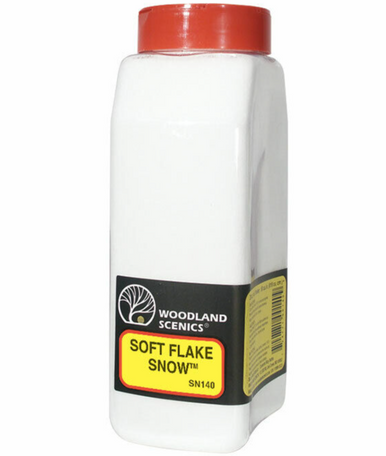 Woodland ScenicsSoft Flake Snow Shaker$11.99In stock
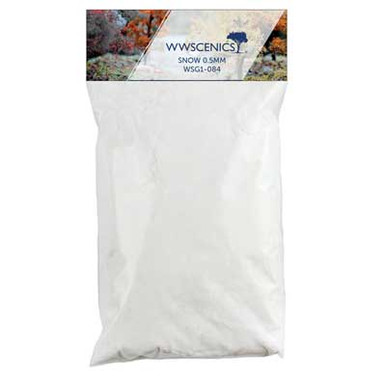 WWScenicsStatic Snow · 0.5mm Fibers · 100g$18.33In stock
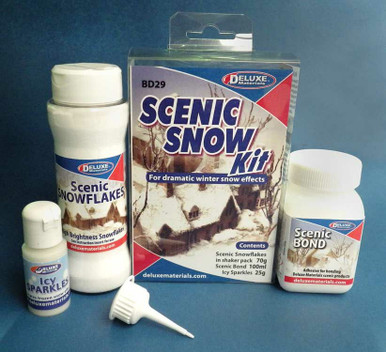 Deluxe Materials LtdScenic Snow Kit$26.17In stock
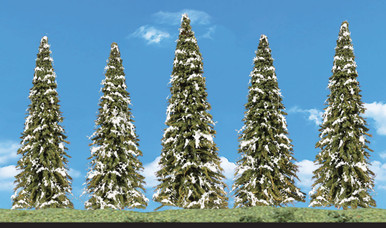 Woodland ScenicsSnow Dusted Trees · 2-1/2" to 4" (5)$11.99In stock
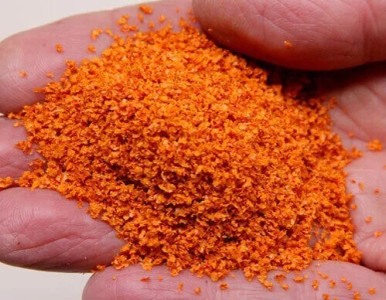 Scenic ExpressSuperLeaf Scale Model Leaf Flake · 16oz Shaker · Orange$10.99In stock
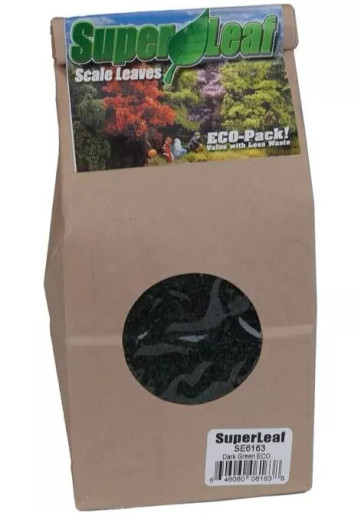 Scenic ExpressSuperLeaf Scale Model Leaf Flake · 24oz ECO-Pak · Fall$10.99In stock
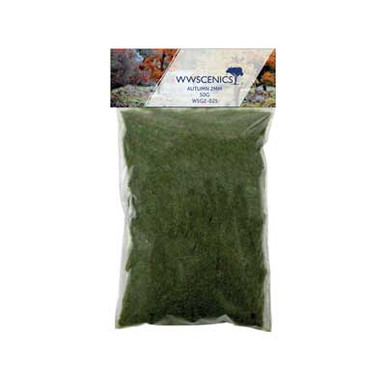 WWScenicsStatic Grass · Autumn · 2mm Fibers · 50g$11.40In stock
 Bachmann3" - 4" Pine Trees with Snow$15.95In stock
How-To 11 · Finishing
Weathering & Final Details
The last ten percent is what people notice. Step back, look at the scene like a photo and add the little things real places have: rust, soot, dust, trash, fences and a clean finished edge.
What you'll need
Step by step
- 1
Look for what's missing
Add ballast along road shoulders, litter in the woods, debris along fence rows and bushes around building foundations. These are the details that make a scene real.
- 2
Weather the track
Paint or powder the rail sides rust brown and add grime between the rails. Clean the railheads afterwards so trains still run.
- 3
Weather rocks, walls and structures
Brush on weathering powders: soot near tunnel portals, rust streaks under metal, green moss where water runs.
- 4
Paint the edges
Sand the layout edges smooth and paint them a dark color. It frames the scene like a picture.
- 5
Add a backdrop and details
A sky or scenic backdrop makes the layout feel bigger. Then add buildings, people, vehicles and signs last.
Watch how it's done
Shop this step
See all coloring, dyes & washes →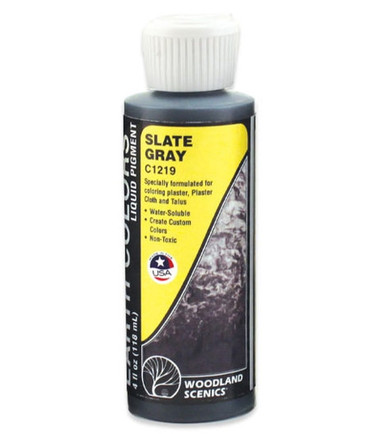 Woodland ScenicsSlate Gray · Earth Color Liquid Pigment$7.19In stock
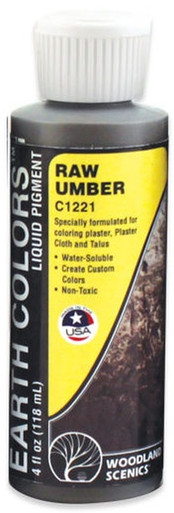 Woodland ScenicsRaw Umber · Earth Color Liquid Pigment$7.19In stock
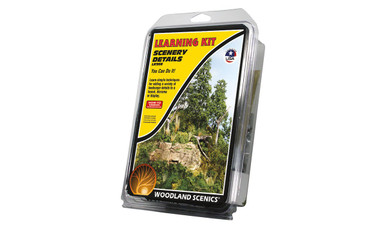 Woodland ScenicsScenery Details Learning Kit$15.99In stock
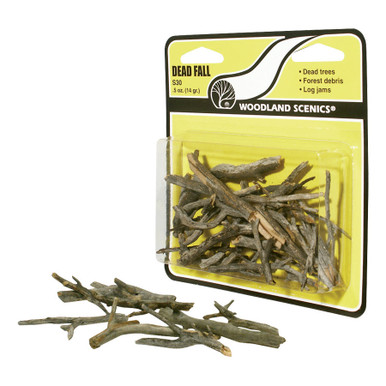 Woodland ScenicsDead Fall$4.79In stock
 Woodland ScenicsFlex Paste$17.59In stock
 Woodland ScenicsField System Power Supply For Static King$15.99In stock
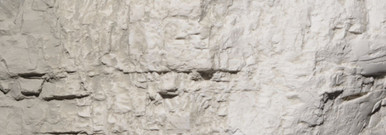 Woodland ScenicsConcrete · Earth Color Liquid Pigment$7.19In stock
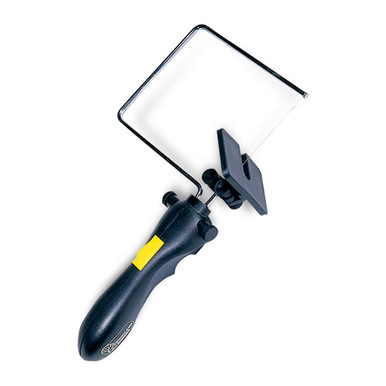 Woodland ScenicsFoam Cutter Bow and Guide$9.59In stock
Build It in This Order
Scenery goes on in layers, from the ground up. Follow this order and nothing gets in the way of the next step: rocks before ground cover, roads and ballast before grass, landscaping before water.
- 1Shape the landHills & LandformsRocks & Cliffs
- 2Roads & trackRoads & Paved AreasBallast & Track
- 3Ground & grassGround Cover & DirtStatic Grass
- 4Bushes & treesTufts, Bushes & WeedsTrees & Forests
- 5
- 6
Free tool
Scale Size Finder
How tall is a 60-ft oak in N scale? Which static grass looks like a hay field in HO? Pick your scale and see real-world sizes converted for you.
Conversions are simple math from real-world sizes. Tree heights from Scenic Express' tree guide; ballast sizes from Woodland Scenics' ballast chart; road widths match Woodland Scenics' HO guidance (2½ in. country road, 4⅛ in. city street).
Glue & Mix Cheat Sheet
Which glue goes where, and the mixing ratios the makers use. Bookmark it for your next session.
| Job | Use | How | Source |
|---|---|---|---|
| Foam to foam or plywood | Foam Tack Glue or a low-temp foam glue gun | Never solvent glues: they melt foam. | Woodland Scenics |
| Ground cover & turf | Scenic Cement (ready-to-use, or concentrate) | Mist the area, sprinkle, mist between layers, mist to seal. | Woodland Scenics |
| Scenic Cement concentrate | 3 parts water : 1 part concentrate | Mix as needed and spray with a fine mister. | Woodland Scenics |
| Ballast | Scenic Cement | Mist first to break surface tension, then saturate with an eyedropper. | Woodland Scenics |
| "Wet water" | About 2 drops dish soap per cup of water | Sprayed into rock molds to stop air bubbles. | Woodland Scenics |
| Talus & rock rubble | Scenic Glue + water 1:1 + a drop of dish soap | Apply generously with an eyedropper; add a second coat when dry. | Woodland Scenics |
| Rock castings onto the hillside | Lightweight Hydrocal, thicker mix | About 1 oz water per 2½ oz Hydrocal; wet the plaster first. | Woodland Scenics |
| Static grass (first layer) | Static grass / basing glue | Thin, even coat on a small area; apply grass before it skins over. | WWScenics |
| Static grass (more layers) | Layering spray adhesive | Mist over the first layer, then add longer fibers. | WWScenics |
| Foliage on tree armatures, field grass | Hob-e-Tac | Wait about 15 minutes until clear and tacky. | Woodland Scenics |
| Natural SuperTrees | Matte medium 1 : 7 water | Soak at least 30 seconds; flock while wet. | Scenic Express |
| Snow | Scenic Cement | Mist, sprinkle snow, repeat, mist to seal. | Woodland Scenics |
| Items set in water | Realistic Water itself | Let them dry in place before the main pour. | Woodland Scenics |
New to Scenery? Start with a Kit
All learning kits →Each kit has the materials and instructions for one technique. They're the easiest way to learn it before you work on your layout.
Woodland ScenicsStatic Grass Starter Kit$13.59In stockWoodland ScenicsRealistic Tree Kit · Light, Medium & Dark Green$18.39In stockWoodland ScenicsWater Kit$13.59In stockWoodland ScenicsRoad System Learning Kit$15.99In stock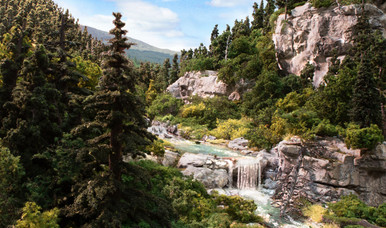 Woodland ScenicsShaper Sheet Learning Kit$15.99In stockWoodland ScenicsScenery Details Learning Kit$15.99In stock
Stuck on a Scene?
Tell us what you're building and we'll point you to the right supplies. Call 833-322-4373 or send us a message.
Scenery FAQ
What order should I build model railroad scenery in?
Shape the land first (foam and plaster), then rocks, then roads and ballast, then ground cover, static grass, bushes and trees, then water, and finish with weathering and details. Woodland Scenics follows the same sequence: rocks and earth color, roads, ballast, landscaping from low to high, water, then finishing touches.
What length static grass should I use for HO scale?
For HO, 1–2 mm fibers read as a mowed lawn or short pasture, 4–6 mm as tall field grass, and 10–12 mm as wild meadow and weeds (roughly 3 ft tall). Use the Scale Size Finder on this page for any scale.
What length static grass should I use for N scale?
In N scale, 1–2 mm looks like pasture, 4 mm like tall field grass and 6 mm like weeds about 3 ft tall. For a mowed lawn, fine turf works better than static grass.
What size ballast should I use?
Real mainline ballast stones are roughly 1 to 2½ inches. Based on Woodland Scenics' size chart, Fine ballast is closest in HO and N, Fine or Medium in O, and Coarse in G. The Ballast tab in the Scale Size Finder shows what each size represents in your scale.
What glue do I use for ballast?
Woodland Scenics Scenic Cement, or diluted white glue. Mist the ballast first so the glue can soak in, then saturate it with an eyedropper. If you only wet the top, the ballast underneath stays loose.
Why won't my static grass stand up?
Usually one of three things: not enough glue (or it had skinned over), too much grass applied at once (it falls flat), or an overfilled applicator hopper. Fill the hopper about a quarter full, work small areas, and stop once the glue is covered.
How tall should model trees be?
Taller than most people think. A 60-ft oak is about 8¼ in. tall in HO, 4½ in. in N and 15 in. in O. Use the Trees tab in the Scale Size Finder for any tree height and scale.
How deep can I pour Realistic Water?
Woodland Scenics Realistic Water goes on in layers up to ⅛ inch and dries clear in about 24 hours. For deeper water, Deep Pour Water goes up to ½ inch per pour, with about 4 hours between layers.
Can I use real dirt for scenery?
Yes. Sift it fine, dry it, and run a magnet through it to pull out iron particles that could end up in locomotive motors. Glue it down like any other ground cover.
Where can I buy scenery supplies?
Every guide on this page links to the matching Iron Planet Hobbies scenery categories, with in-stock picks from Woodland Scenics, Scenic Express, WWScenics, JTT and more.
How-to steps are written by Iron Planet Hobbies from the manufacturers' published instructions (Woodland Scenics, Scenic Express, WWScenics), linked under "From the makers" in each guide. Videos play from the makers' YouTube channels. Product names belong to their manufacturers. Prices and stock checked October 30, 2026.