18 step-by-step guides · 101 videos · Wire Size Finder
DCC Wiring Guide
Wire your layout right the first time. Start with the basics (bus and feeders, turnouts, reverse loops), then move on to boosters, block detection, signals, automatic braking and throttle networks. Each guide has simple steps, the best videos and the parts you need.
Pick a Guide
18 guides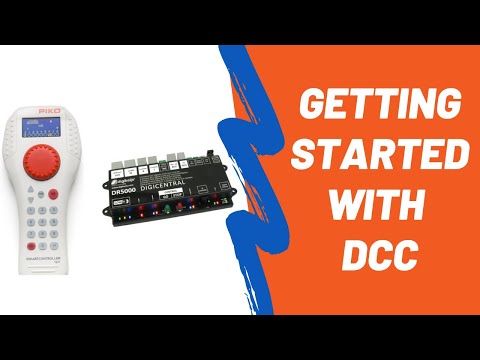 01Basic DCC WiringHow DCC Power WorksCommand station, booster, decoders and track: what each part does and why wiring matters more than it did with DC.
 02Basic DCC WiringTrack Bus & FeedersHeavy bus wires under the layout, short feeders up to the rails. The right sizes for every scale.
 03Basic DCC WiringThe Quarter Test & Finding ShortsThe one test every DCC layout must pass, plus a fast way to track down a short.
 04Basic DCC WiringDCC-Friendly Turnouts & FrogsInsulfrog, Electrofrog, Unifrog and "DCC friendly": what they mean, and how to power a frog.
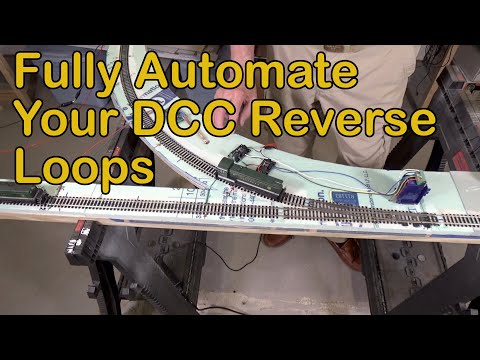 05Basic DCC WiringReverse Loops, Wyes & TurntablesSpot a reversing section, gap it the right way and keep it from shorting.
 06Basic DCC WiringProgramming TrackAn isolated track for setting loco addresses and CVs, without reprogramming every engine on the layout.
 07Basic DCC WiringTurnout Control & Stationary DecodersSwitch machines, servos and stationary decoders, plus when an accessory bus makes sense.
 08Advanced DCC WiringPower Districts & Circuit BreakersSplit one booster into protected districts, so a short in the yard doesn't stop the main line.
 09Advanced DCC WiringAuto ReversersPick and tune an auto reverser so it flips polarity before your booster or breaker trips.
 10Advanced DCC WiringBoosters: Common Ground vs Opto-IsolatedWhen to add a booster, how to wire booster districts, and why the ground wire matters.
 11Advanced DCC WiringBlock DetectionLet the layout know where trains are: the starting point for signals, panels and automation.
 12Advanced DCC WiringSignalingABS, APB and CTC basics, and how detectors, logic and signal heads fit together.
 13Advanced DCC WiringABC Braking: Stop at SignalsAsymmetric DCC (ABC) makes locos slow and stop in front of a red signal, then pull away when it clears.
 14Advanced DCC WiringShuttle Trains & Simple AutomationTrains that run back and forth on their own: three ways to do it with DCC.
 15Throttle & Layout NetworksLocoNet (Digitrax)Free-form, 6-wire flat cable network for Digitrax throttles, boosters, detectors and accessories.
 16Throttle & Layout NetworksNCE Cab BusNCE's daisy-chained throttle bus: cables, panels, cab addresses and length limits.
 17Throttle & Layout NetworksXpressNet & Multi-Bus SystemsLenz's XpressNet, and command stations that speak several networks at once.
 18Throttle & Layout NetworksLCC: Layout Command ControlThe NMRA's layout network for signals, turnouts, detection and lighting, kept separate from DCC.
Basic DCC Wiring
How DCC Power Works
With DCC, the rails always carry full power plus a digital signal. Every locomotive has its own address, so you run trains instead of track blocks. That freedom has one catch: DCC is far less forgiving of weak wiring and dirty track than DC was.
Shop for this job
Step by step
- 1
Know the four parts
The command station builds the commands. The booster turns them into track power. Throttles tell the command station what you want. Decoders in each locomotive listen for their own address. Starter sets combine the command station, booster and throttle in one box.
- 2
The track carries power and data
DCC track power is a fast-switching form of AC. The decoder reads the timing of those switches as commands. Short power drop-outs that DC ignored, from dirty track or loose joiners, can scramble those commands.
- 3
Direction comes from the throttle
A DCC loco runs the way you tell it to, no matter which rail is which. That's why trains can roll straight through an auto-reversing section without stopping.
- 4
You don't need DC-style blocks
There are no cab blocks or toggle panels. You only cut rail gaps for reversing sections, block detection, power districts and boosters. Allan Gartner still recommends a few sections on anything bigger than a 4x8, so you know where to look when there's a short.
- 5
Size your system by trains, not square feet
Booster capacity depends on how many locomotives run at once, not on layout size. Allan's rule of thumb: a 5-amp booster runs six to eight HO locomotives.
Watch how it's done
In stock for this job
See all dcc starter sets →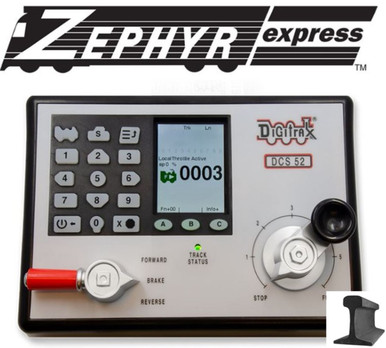 DigitraxZephyr Express Starter Set USA Edition With Power Supply$186.16In stock
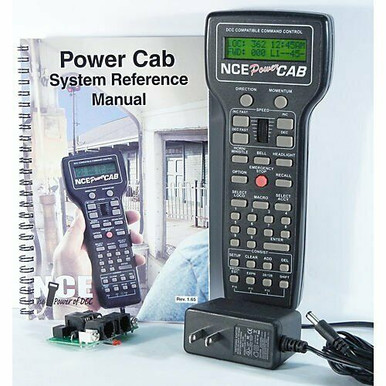 NCEPower Cab · Complete DCC Starter System With Power Supply & Panel$214.07In stock
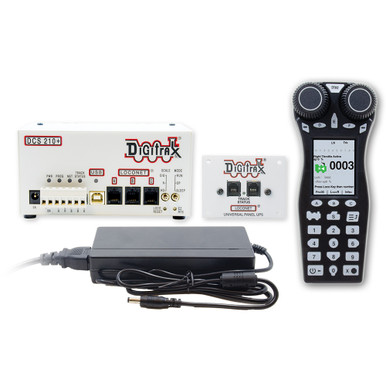 DigitraxEVOX Evolution Express Advanced Starter Set 5A/8A$385.40In stock
 ESUCabControl · DCC Command Staion & WiFi Throttle · 7A Power Supply$399.92In stock
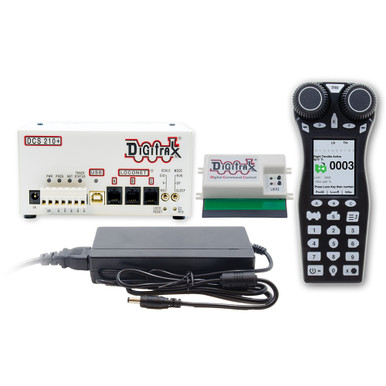 DigitraxEVOXD Evolution Express Duplex Wireless Radio Starter Set 5A/8A$537.10In stock
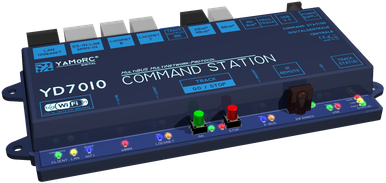 YaMoRCDCC Central Command Station$341.83In stock
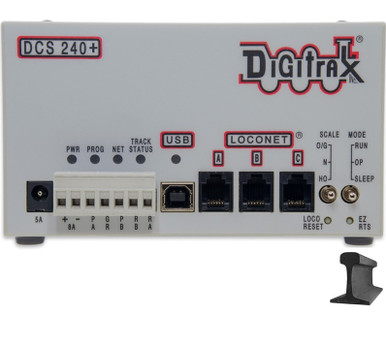 DigitraxDCS240+ Advanced Command Station$334.79In stock
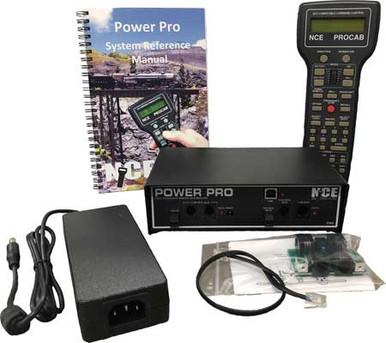 NCEPower Pro PH5 · 5 Amp Complete DCC Starter System$623.96In stock
Basic DCC Wiring
Track Bus & Feeders
The bus is a pair of heavy wires that runs under the layout and follows the track. Short, thin feeders drop from the rails to the bus. Get this right and your locos run smoothly, and every short shuts the booster down like it should.
Shop for this job
Step by step
- 1
Pick a bus size for your scale
Allan Gartner's suggested bus sizes: Z and N 16–14 AWG, HO 16–12 AWG, S, O and G 14–10 AWG. Solid wire is easy to strip mid-run for feeders. Bigger is always fine, so use the Wire Size Finder below for long runs.
- 2
Color-code the two rails
Use one color for each rail (for example red and black) and keep them the same everywhere. If you ever find red facing black across a gap, you've found a reversing section.
- 3
Drop feeders from the rails
For HO, 22–20 AWG solid feeders work well, and 24 AWG is fine if every 3-ft piece of rail gets one. Keep feeders about 6 in. long or less with the thin sizes, up to about 12 in. with the thicker ones. Solder them to the outside of the rail.
- 4
Space feeders often
About every 10 ft for code 100 rail and every 6 ft for code 83 and smaller. N and Z need feeders every 3 to 6 ft because the small rail has more resistance. Weathered rail or unsoldered joiners: a feeder on every piece.
- 5
Connect feeders to the bus
Solder them, or use connectors made for your wire size (suitcase, IDC or push-in). IDC connectors have to match the wire gauge, need the right tool and can't be reused.
- 6
Twist long runs
If the bus runs more than about 30 ft from the booster, twist the pair (Allan: about 1–3 twists per foot) and add an RC snubber at each end of the bus (never at the booster). Check your system's advice first: Digitrax recommends no snubbers on their equipment.
Watch how it's done
In stock for this job
See all wire & accessories →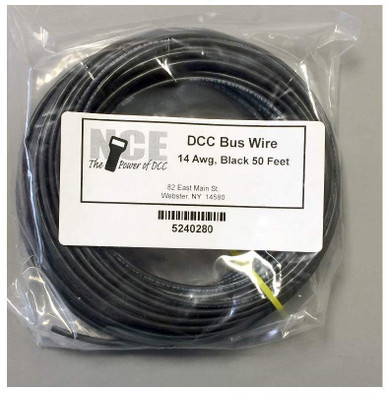 NCEDCC Main Bus Wire · Black · 14 AWG · 50 Feet$22.17In stock
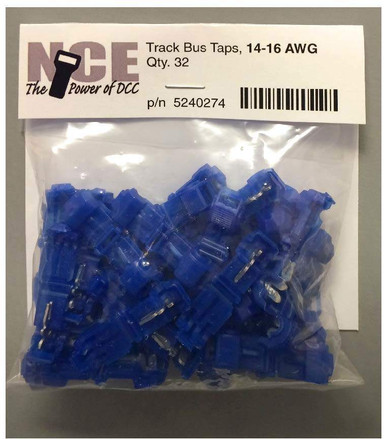 NCETrack Bus Taps · 14-16 AWG Blue · 32 Pieces$12.44In stock
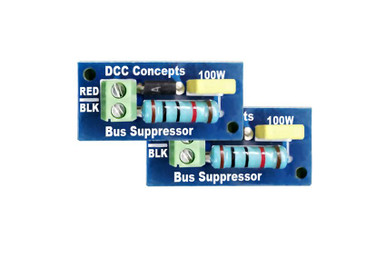 DCCconceptsDCC Track Bus Spike Suppressors & Terminators · Snubber · 2 Pack$10.32In stock
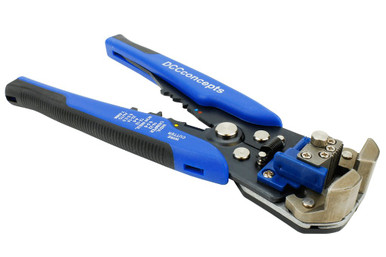 DCCconceptsHigh Quality Power Bus Wire Strippers · DCT-BWS$26.91In stock
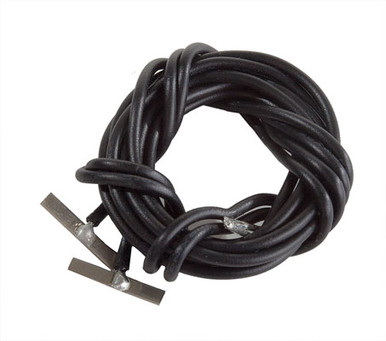 Walthers TrackHO Scale · Code 83 & 100 Nickel Silver Terminal Joiners · With 22-Gauge Wire · 2-Pack$5.58In stock
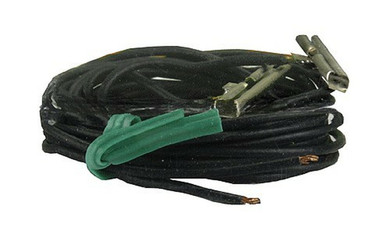 AtlasHO Scale · Code 83 · Terminal Rail Joiners (1 Pair)$4.02In stock
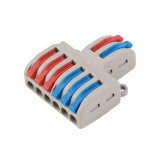 RR-CirKitsSPL-62 · Multiple Terminal Block Push-In Wiring Quick Cable Connector · 2 In, 6 Out$1.44In stock
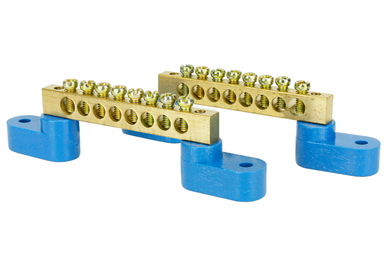 DCCconceptsSolid Brass Power Distribution Bars · 2 Pieces · DCC-Bbar2$10.32In stock
Basic DCC Wiring
The Quarter Test & Finding Shorts
Lay a coin across the rails anywhere on the layout. The booster (or circuit breaker) must shut down, every time, everywhere. If it doesn't, the wiring is too weak. A short that never trips can melt ties and wire, or start a fire.
Shop for this job
Step by step
- 1
Do the quarter test everywhere
Short the rails with a coin or screwdriver at the far ends of every section, on sidings and on powered frogs. Each one must shut the power off right away. Allan Gartner: every manufacturer will tell you the same.
- 2
If it fails, check the bus first
Short the bus wires right at a feeder. If that trips but shorting the rails above doesn't, your feeders are too thin, too long, or badly connected.
- 3
Check the joints
Good solder joints are smooth and shiny, with no brown residue or blob. If you didn't solder feeders to the rails, start there.
- 4
Make sure the power supply is big enough
The booster's power supply must be rated at least as high as the booster. A small supply can make good wiring look bad in this test.
- 5
Split the bus to find a short
Disconnect the bus in the middle and test each half. Keep halving the side that still shorts. With 16 feeders you'll find the bad one in about four cuts instead of sixteen.
Watch how it's done
In stock for this job
See all power management →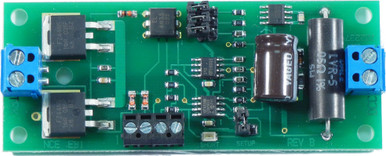 NCEEB1 · V1.1 New Version Single District Electronic Circuit Breaker$31.16In stock
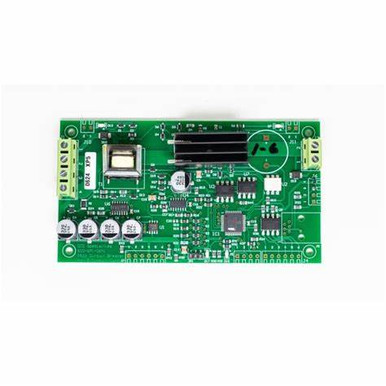 DCC SpecialtiesPSXX-AC Intelligent Circuit Breaker · DSPPSXXAC$87.95In stock
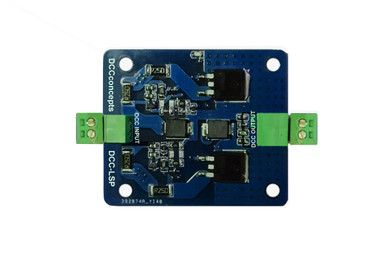 DCCconceptsDCC Power Surge Protector · Soft Start · DCC-LSP$23.69In stock
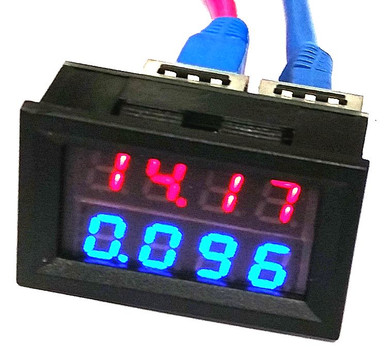 RR-CirKitsLCC VampMeter · Voltage & Amp Meter$21.48In stock
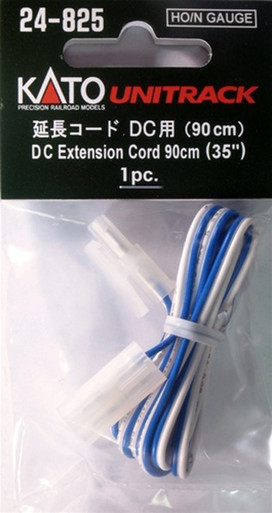 KatoHO / N Scale · UniTrack DC Extension Cord · (1 pc)$4.00In stock
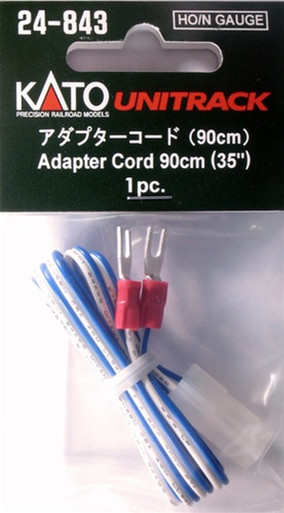 KatoHO / N Scale · UniTrack Adapter Cord · (1 pc)$3.50In stock
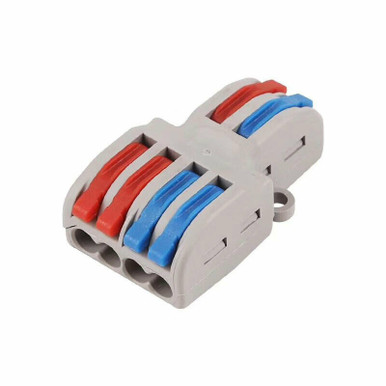 RR-CirKitsSPL-42 · Multiple Terminal Block Push-In Wiring Quick Cable Connector · 2 In, 4 Out$1.08In stock
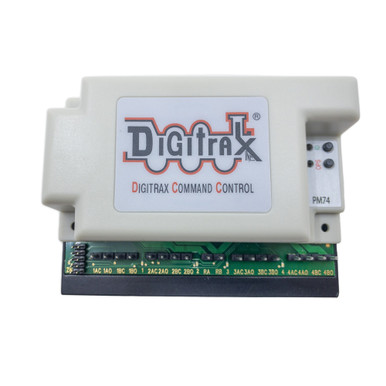 DigitraxPower Manager With Occupancy & Transponding Detection For 4 Sub-Districts PM-74 · Replaces PM42$89.38In stock
Basic DCC Wiring
DCC-Friendly Turnouts & Frogs
Turnouts cause more DCC shorts than anything else. The fix is simple: point rails that always match the stock rail next to them, and a frog that's either dead (plastic) or powered with the right polarity for the route.
Shop for this job
Step by step
- 1
Know what "DCC friendly" means
On a DCC-friendly turnout, each point rail is always the same polarity as the stock rail beside it, and the frog is isolated from both. Walthers' DCC-friendly design, for example, drops the bar that tied the two point rails together.
- 2
Insulfrog: plug and play
Peco Insulfrogs have a plastic frog that can't be powered. They're the easiest to wire, but short locos can stall on the dead frog.
- 3
Electrofrog and Unifrog: power the frog
A metal frog conducts all the way through, so it needs the right polarity for each route. Gap the rails beyond the frog as the maker says, and feed the frog through switch machine contacts or a frog juicer. Peco Unifrogs ship ready to wire either way.
- 4
Pick how to switch frog polarity
Use the spare contacts on a Tortoise or similar slow-motion machine, a small relay, or a frog juicer. A frog juicer senses the short when wheels bridge the gap and flips the frog in an instant, with no contacts to adjust.
- 5
Gap and feed the sidings
Use insulated joiners where the maker says, and give every track leaving a turnout its own feeders. Don't rely on the points to carry power.
Watch how it's done
In stock for this job
See all ho turnouts →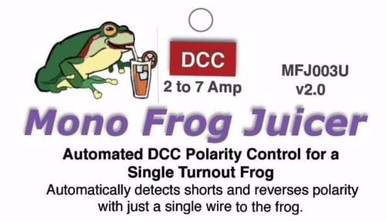 Tam Valley DepotMono Frog Juicer v2.0 · 2 to 7 Amps$16.92In stock
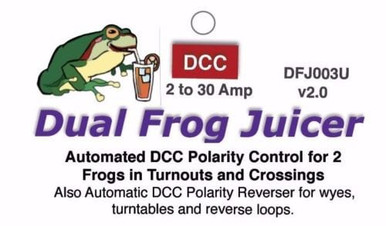 Tam Valley DepotDual Frog Juicer v2.0 · Auto Reverser · 2 to 30 Amps$38.62In stock
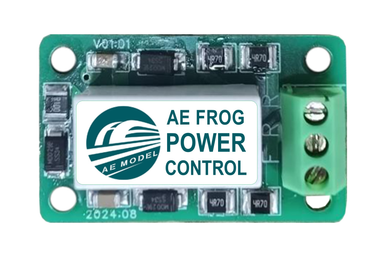 DCCconceptsAE Model Frog Power Control for DCC · Single Pack$8.24In stock
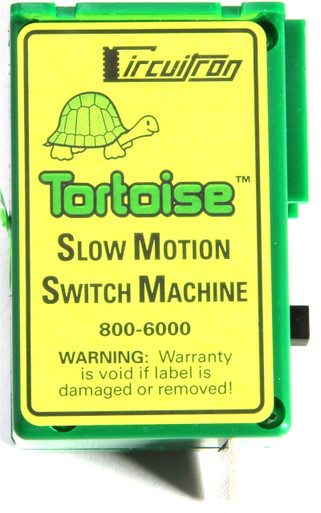 CircuitronTortoise Slow Motion Switch Machine · (1 pc)$22.94In stock
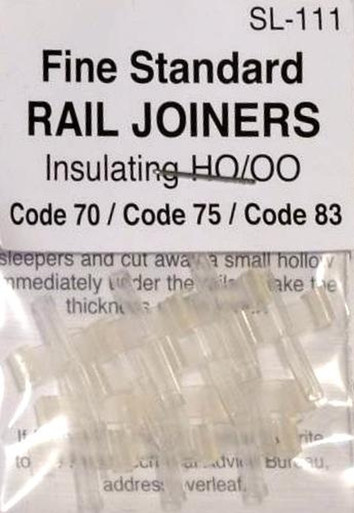 PecoHO Scale · Code 70, 75 & 83 · Insulated Rail Joiners · 12 Pieces$7.64In stock
 Walthers TrackHO Scale · Code 83 & 100 Insulated Rail Joiners · 24-Pack$5.58In stock
 PecoN Scale · Nylon Insulated Rail Joiners For Code 55 to 80 · 12 Pieces$5.88In stock
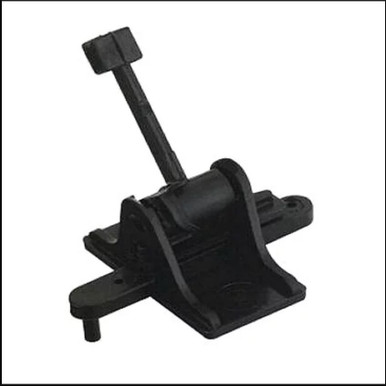 Caboose IndustriesHO & S Scale · Ground Throw · Sprung · .190" Travel
Basic DCC Wiring
Reverse Loops, Wyes & Turntables
Any track that lets a train turn around brings one rail back to meet the other rail. Where they meet, you get a dead short. The cure: cut that piece of track off with gaps in both rails, and flip its polarity before the train crosses back.
Shop for this job
Step by step
- 1
Find every reversing section
Wyes, balloon loops, turntables, dogbones with a crossover, and ovals with a diagonal track across the middle all reverse. Follow one rail color around: where red meets black, you have one. Use the Track Plan Check below.
- 2
Gap both rails at both ends
Isolate the reversing section with insulated joiners or cut gaps in both rails at each end. Feed it from its own pair of wires.
- 3
Make it longer than your longest train
The whole train has to fit inside the section, or the train will bridge both gaps at once and short no matter which way the polarity is set.
- 4
Choose manual or automatic
A DPDT toggle, or the spare contacts on the turnout's switch machine, can flip polarity by hand. An auto reverser does it on its own the instant the wheels cross a gap. See Auto Reversers in the advanced section.
- 5
For a wye, pick one leg
Make the tail track the reversing section and include the turnout it connects to, or gap one leg. A turntable bridge always needs its polarity flipped, by a reverser or by contacts on the turntable.
Watch how it's done
In stock for this job
See all auto reversers →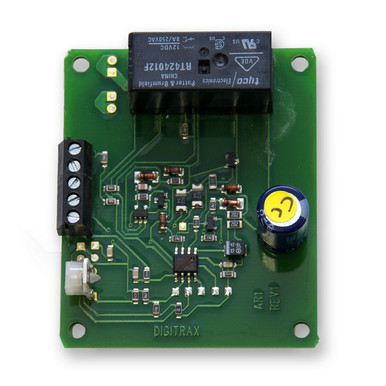 DigitraxFor Any DCC System$27.06In stock
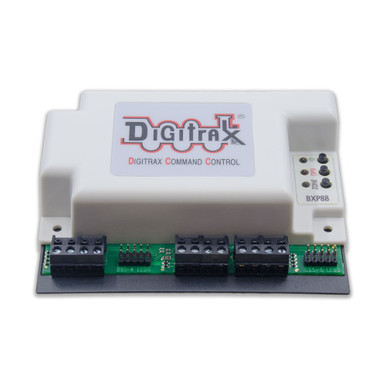 DigitraxBXPA1 Auto Reverser With Detection, Transponding & Power Management$40.18In stock
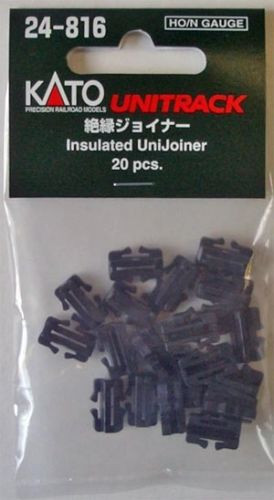 KatoHO / N Scale · UniTrack Insulated Rail UniJoiner · (20 Pcs)$5.01In stock
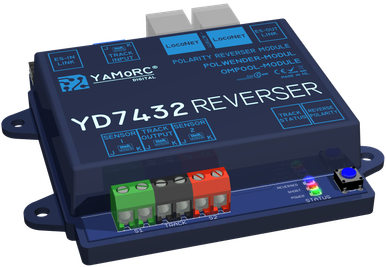 YaMoRCReverse Loop Module with RailCom Detection$118.48In stock
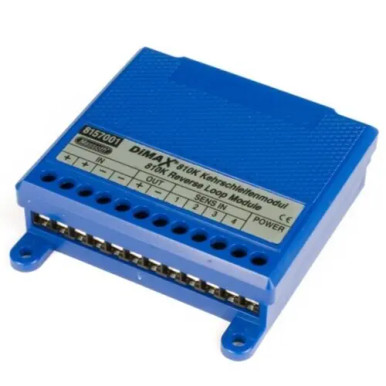 MassothDiMAX Short Circuit Free Reverse Loop Module · DC Or DCC
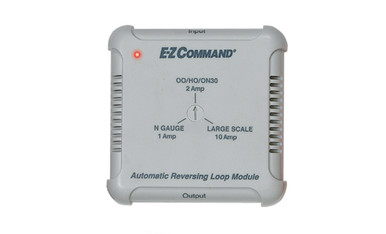 BachmannE-Z Command · DCC Automatic Reverse Loop Module$83.38In stock
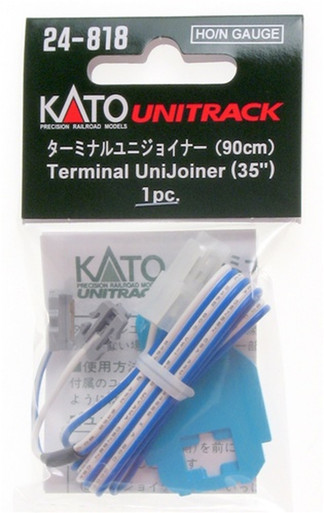 KatoHO / N Scale · UniTrack Terminal UniJoiner · (1 pc)$5.00In stock
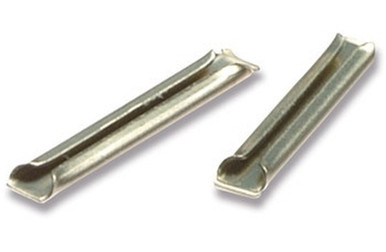 PecoHO Scale · Code 70, 75 & 83 · Metal Rail Joiners · 24 Pieces$7.64In stock
Basic DCC Wiring
Programming Track
Service-mode programming broadcasts to every decoder on the rails, so changing one address on the main line can change them all. A short, isolated programming track makes sure only the loco on it hears the command.
Shop for this job
Step by step
- 1
Know the two programming modes
Service mode (programming track) can write and read any CV, including the address. Ops mode, or programming on the main, talks to one address on the running layout. It's great for tweaks but usually can't read values back.
- 2
Isolate a piece of track
Gap both rails so the programming track can't connect to the main layout. A yard lead or a bench test track both work.
- 3
Wire it to the PROG output
Connect it to the command station's programming terminals, not the main track output. Digitrax: it's very important the rest of the layout can be isolated when you program.
- 4
Switching on the layout
If the programming track is also part of the layout, use a DPDT switch to connect it either to the main bus or to the programming output, never both at once.
- 5
Sound decoders that won't read
Some sound decoders need more current than a programming track gives. A programming booster, or a stand-alone programmer like the SPROG or PR4, solves it.
Watch how it's done
In stock for this job
See all command stations →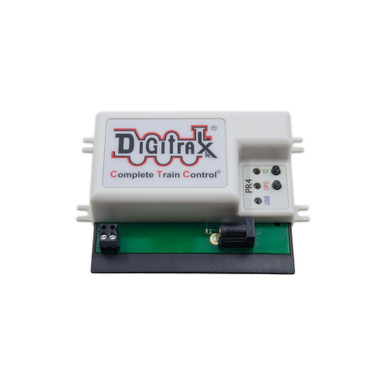 DigitraxPR4 USB to LocoNet Interface, Decoder Programmer, PS14 Replace PR3$77.90In stock
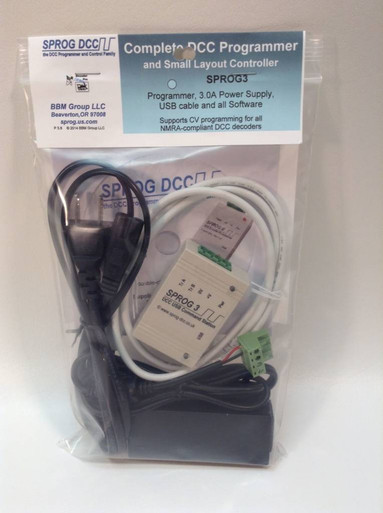 Sprog DCCSPROG · SPROG 3 · Stand Alone DCC Programmer · With Power Supply, Cable & USB Stick$146.66In stock
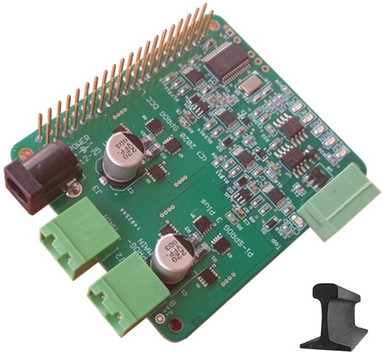 Sprog DCCSPROG · Pi-SPROG 3 Plus · Dual Output DCC Programmer · With 15v Power Supply$162.00In stock
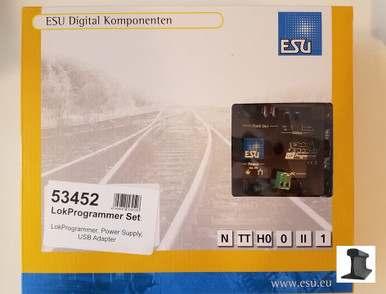 ESULokProgrammer Set US 110V · USB · CD · Cable · Power Supply$143.99In stock
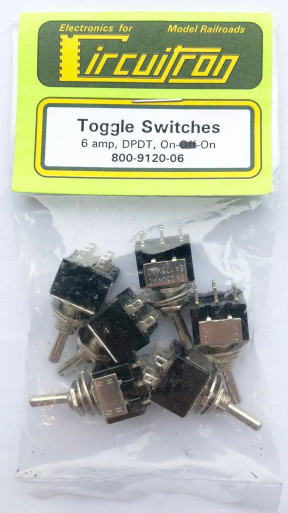 CircuitronMiniature Switches - DPDT On-On$20.99In stock
 DigitraxUP5, BDL168, SE8C, UR92$13.12In stock
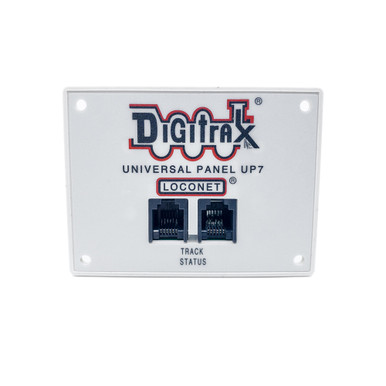 DigitraxReplaces UP5$15.58In stock
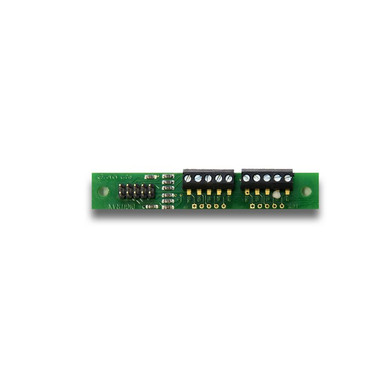 Digitrax2 Pack · Up to 8 Signal Heads$13.94In stock
Basic DCC Wiring
Turnout Control & Stationary Decoders
Turnouts can be thrown by hand, from fascia buttons, or by DCC from your throttle. A stationary decoder turns DCC commands into motion for a Tortoise, a servo, a snap (twin-coil) machine or a Kato or Bachmann turnout.
Shop for this job
Step by step
- 1
Pick the switch machine
Slow-motion stall motors (Tortoise, Cobalt) move the points gently and have spare contacts for frog power. Servos are small and cheap. Snap (twin-coil) machines are fast and need a pulse of power.
- 2
Match the stationary decoder
The decoder has to match the machine: slow-motion, solenoid, or servo. Digitrax's DS74, for example, does both slow-motion and solenoid modes, and NCE's Switch8 runs eight Tortoise or Cobalt machines.
- 3
Power it from the track or a separate bus
Small decoders can take power from the track. On bigger layouts, a separate accessory bus keeps turnouts working when a short drops track power.
- 4
Add fascia controls
Push buttons or fascia controllers let operators throw turnouts where they stand, and many decoders report the turnout position back to the system.
- 5
Give each one an address
Program the decoder's address once, then throw it from a throttle or a JMRI panel.
Watch how it's done
In stock for this job
See all switch machines →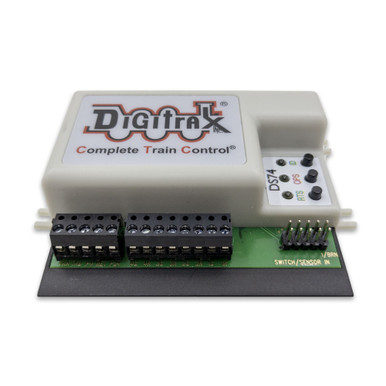 DigitraxDS74 Quad Stationary LocoNet Decoder$64.78In stock
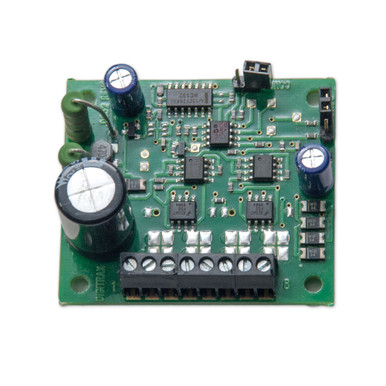 DigitraxNew DS52 Dual Stationary LocoNet Decoder For Snap or Slow Motion Turnouts$22.96In stock
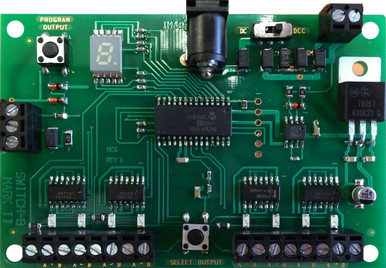 NCESwitch8-Mk2 · Accessory Decoder · Controls 8 Tortoise / Cobalt$70.16In stock
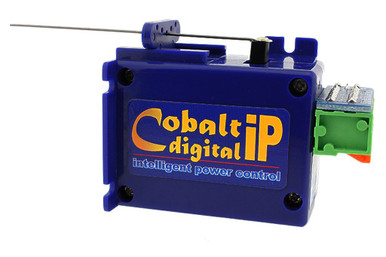 DCCconceptsCobalt iP Digital Point Turnout Motor · 6 Pcs · DCP-CB6DiP$155.54In stock
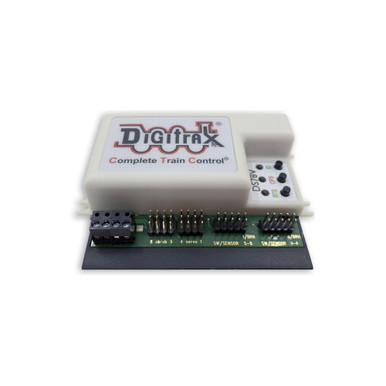 Digitrax8 Servo Controller LocoNet Stationary Decoder$69.70In stock
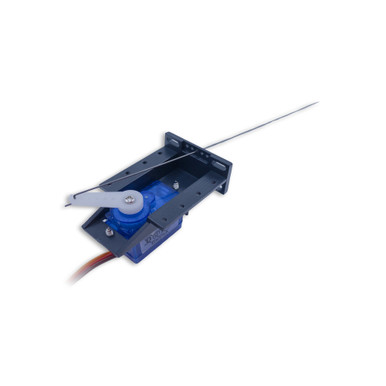 DigitraxTurnout or Motion Control Servo With Mount Bracket$13.94In stock
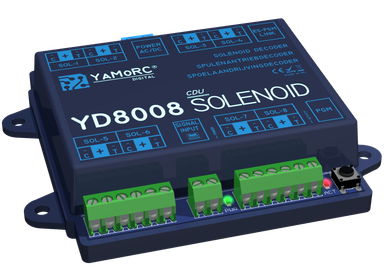 YaMoRC8 Channel DCC Solenoid Turnout Decoder with Intelligent CDU$91.03In stock
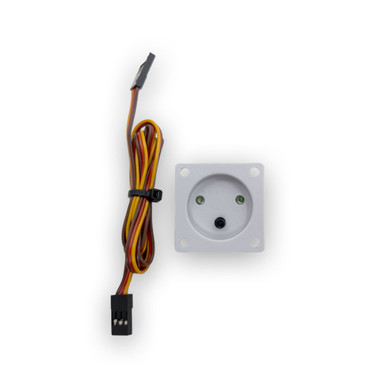 DigitraxDSXCP1 Fascia Mount Switch Control Device For The DS74$12.30In stock
Advanced DCC Wiring
Power Districts & Circuit Breakers
Without districts, one derailment shuts down the whole layout. Electronic circuit breakers split a booster's output into districts that trip on their own, and they react faster than the booster, which protects decoders and wiring.
Shop for this job
Step by step
- 1
Plan districts around operators
Give the yard, each town, staging and the main line their own districts. That way one operator's short doesn't stop everyone else.
- 2
Gap both rails between districts
Each district gets its own sub-bus from its breaker. Gap both rails where districts meet.
- 3
Set the trip current
Set each breaker below the booster's limit so it trips first. NCE's EB1 adjusts from 1.5 to 8 amps (factory 1.5). Digitrax's PM74 defaults to 4 amps, with 3 or 6 as options.
- 4
Do the quarter test on every district
After setting breakers, test each district at its far end. Allan Gartner calls this imperative.
- 5
Mind the reversers
Auto reversers and circuit breakers both react to shorts. The reverser must flip faster than the breaker trips, so check that the two work together.
Watch how it's done
In stock for this job
See all power management →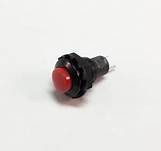 DCC SpecialtiesPSXX & PSXX-AR Manual Reset Push Button Switch · DSPPSXXPB$6.95In stock
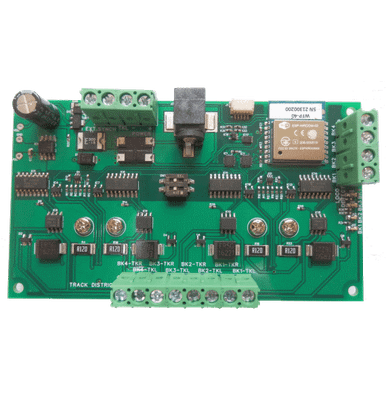 WifiTraxFour-Block Wi-Fi Power Controller$62.23In stock
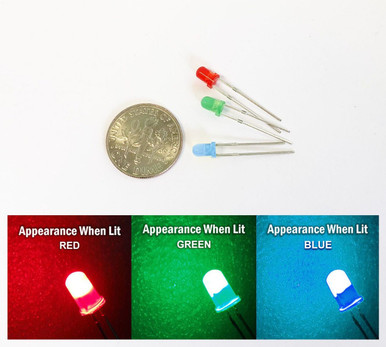 Tony's TTX3mm Red, Green & Blue LED Kit · For PSXX & PSXX-AR · 3-Pack$9.49In stock
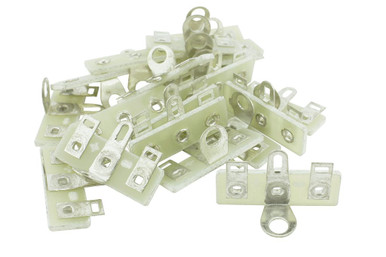 DCCconceptsTrack Bus Terminal Tags · 25 Pack · DCC-Tag25$9.28In stock
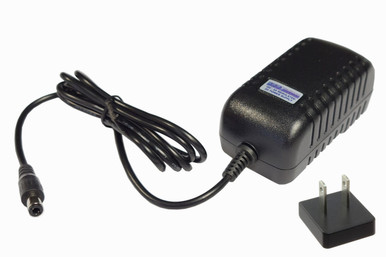 DCCconcepts12V DC, 3A (US) · DC/DCC systems – 2.5mm DC plug$28.88In stock
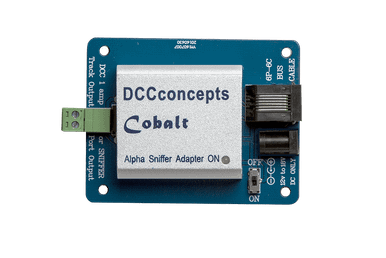 DCCconceptsCobalt Alpha DCC Power Bus Driver and SNIFFER Adapter · DCD-SNX$31.07In stock
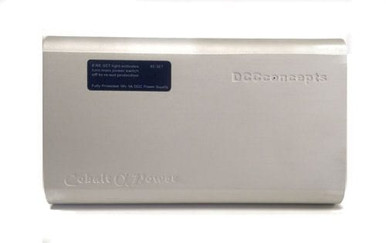 DCCconceptsCobalt Alpha Power · 18V 5 Amp DC or DCC Power Supply (US) DCD-PWR$89.72In stock
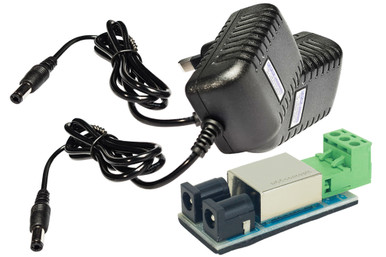 DCCconcepts12v DC Split Power Supply Kit · PCB & 2x Universal Wall Plugs$36.25In stock
Advanced DCC Wiring
Auto Reversers
An auto reverser watches a reversing section. When wheels bridge a gap and cause a short, it flips the section's polarity in a few thousandths of a second, so the train rolls on and the booster never notices.
Shop for this job
Step by step
- 1
Wire it between the bus and the section
Two wires come in from the main bus and two go out to the reversing section. Nothing else should feed that section.
- 2
Set the trip point
Digitrax's AR1 has an adjustable trip from 0.25 to 8 amps. Set it with your heaviest train in the loop: it should flip once going in and not trip again. If the booster trips instead, turn the setting down.
- 3
Make it faster than the breaker
The reverser has to react before the booster or circuit breaker upstream. If the breaker wins, add a delay to the breaker or use a reverser with a built-in breaker, like the NCE AR10 or PSX-AR.
- 4
Don't stack devices
NCE says to keep other track power devices, like breakers or frog juicers, out of line before or after the AR10. Feed it straight from the system.
- 5
Use a dual frog juicer as a reverser
Tam Valley's Dual Frog Juicer can work as a reverser when you put its Pair Outputs jumper on. It's a low-cost way to handle a simple loop.
Watch how it's done
In stock for this job
See all auto reversers →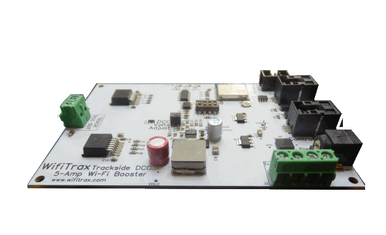 WifiTrax5A Wi-Fi/DCC Booster with Auto Reverse and Variable Track Voltage$115.00In stock
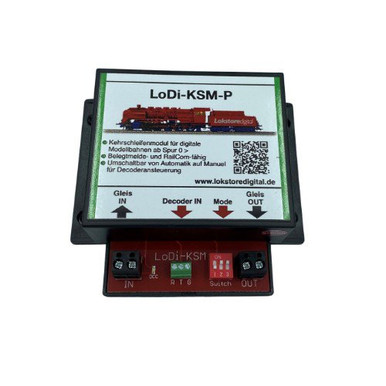 LokstoredigitalLoDi-KSM-P · Reverse Loop Module · Z to G · LoDi012P$68.49In stock
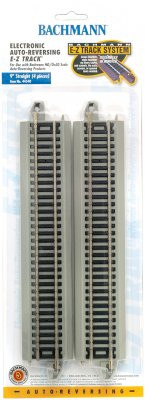 BachmannEZ-Track · 9" Straight Electronic Auto-Reversing Track · HO Scale 44548$41.33In stock
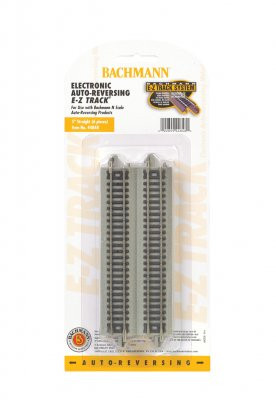 BachmannEZ-Track · N Scale Nickel Silver Auto-Reversing 5" Straight Track 44848$42.05In stock
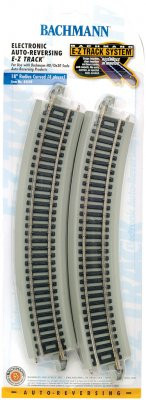 BachmannEZ-Track · 18" Radius Curved Electronic Auto Reversing · HO Scale 44549$41.33In stock
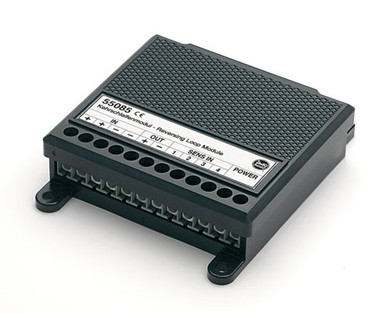 LGBG Scale · MTS Reverse Loop Module$156.75In stock
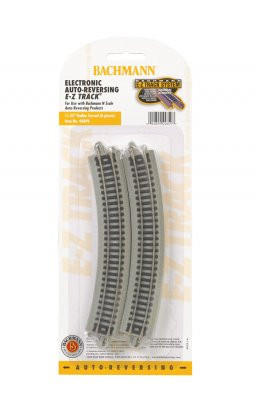 BachmannEZ-Track · N Scale · Auto Reversing 11.25" Radius Curved Track$42.05In stock
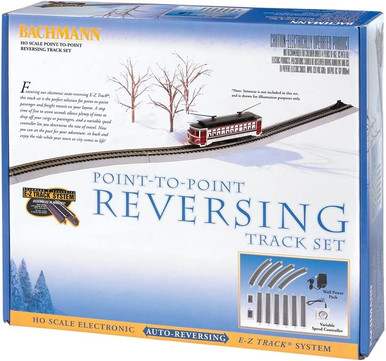 BachmannHO Scale · E-Z Track Electronic Auto-Reversing System$188.50In stock
Advanced DCC Wiring
Boosters: Common Ground vs Opto-Isolated
Each booster powers its own district. Where two boosters meet, a loco briefly bridges both, so the boosters must agree on voltage, phase and a shared reference. How you connect them depends on whether your boosters share a common ground or have opto-isolated inputs.
Shop for this job
Step by step
- 1
Add boosters for trains, not space
Count the locos running at the same time, sound locos idling in the yard included. Allan's rule of thumb: a 5-amp booster runs six to eight HO locos.
- 2
Gap both rails between booster districts
Never connect booster outputs together, and never use a common rail between booster districts. Both cause ground loops and shorts.
- 3
Common ground boosters: add a booster common
NCE and Digitrax boosters use a floating common. Run a heavy wire (about the size of your bus) between the boosters' cases or ground terminals and the command station. Never connect it to earth or house ground.
- 4
Digitrax: watch LocoNet pins 2 and 5
LocoNet also carries ground on pins 2 and 5. Allan Gartner suggests cutting those wires in the booster network cable, at one end only, after the heavy common wire is in. Leave them alone in the throttle network.
- 5
Opto-isolated boosters for common rail
If the layout is wired common rail, use boosters with opto-isolated control inputs (like the Digitrax DB210-OPTO), give each booster its own power supply, skip the booster common wire, and never use the booster's auto-reverse feature.
- 6
Phase and voltage check
Run a loco across each booster gap. If it stutters or trips, swap that booster's two track wires. Set every booster to the same track voltage. NCE aims for about 14 V in HO and 12 V in N.
Watch how it's done
In stock for this job
See all boosters →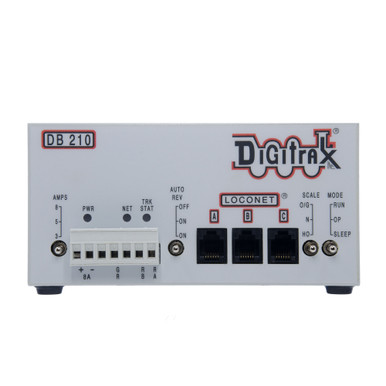 DigitraxDB210 Single 3/5/8 Amp Booster$127.98In stock
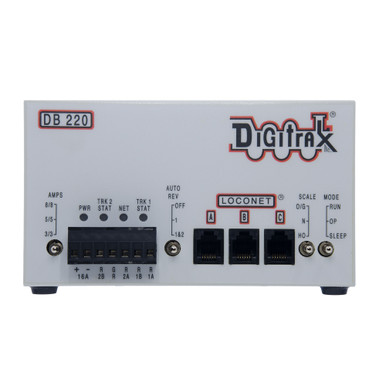 DigitraxDB220 Dual 3/5/8 Amp Booster$192.78In stock
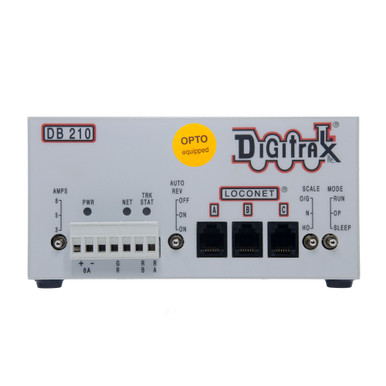 DigitraxDB210-OPTO Single 3/5/8 Amp Booster$129.23In stock
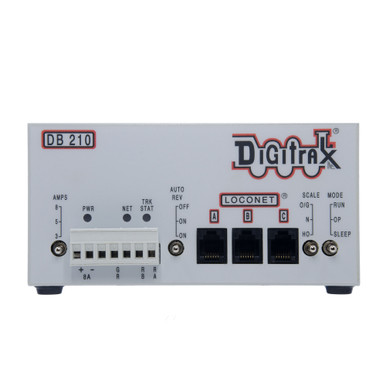 DigitraxDB210 Bundle - Single 3/5/8 Amp Booster With Power Supply$169.99In stock
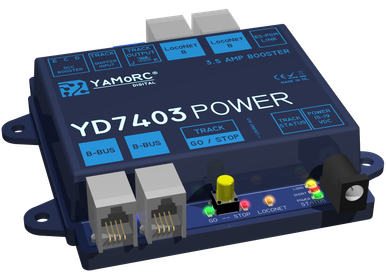 YaMoRC3.5 Amp LocoNet & CDE DCC Booster · Works With All Brands$143.45In stock
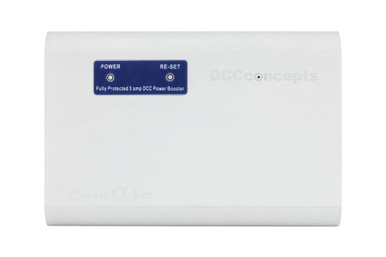 DCCconceptsCobalt Alpha Box · 5 Amp DCC Booster · DCD-AUX$134.80In stock
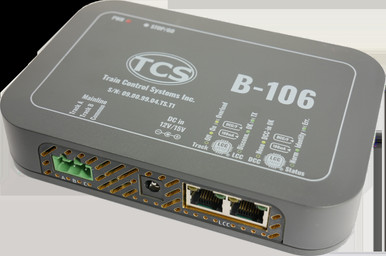 TCSDCC LCC Booster · 15 Volt
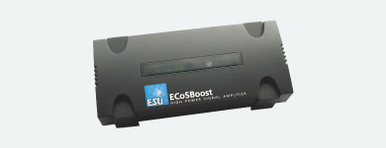 ESUECoSBoost ext. Booster 7 Amp MM/DCC/SX/M4 With Power Supply$231.20In stock
Advanced DCC Wiring
Block Detection
A block detector sees current flowing in a section of track and reports it as occupied. Signals, CTC panels, grade crossings and automation all start here. Plan your gaps and sub-buses while you build, because adding them later means rewiring.
Shop for this job
Step by step
- 1
Decide where the blocks go
Typical blocks run between signals or between turnouts. Allan Gartner's advice: gap the rails and run the sub-buses when you build. Adding detectors later is easy. Adding gaps is not.
- 2
Gap one rail per block
Most current-sensing detectors watch one rail. Gap that rail at each end of the block and feed it through the detector. The other rail stays common within that booster district.
- 3
Wire the detector close to its block
Keep the wire from the detector to the track short and untwisted, or stray capacitance can show the block as occupied when it isn't.
- 4
Make cars visible
Locomotives draw current, but cars don't. Add resistor wheelsets or resistors across an axle to cabooses and the last car. Use the maximum value your detector's manual allows. Allan used 10K ohms on his.
- 5
Report it to your system
Detectors report over LocoNet, Cab Bus (through an AIU), LCC or to a computer running JMRI. RailCom and transponding detectors can also tell you which loco is in the block.
Watch how it's done
In stock for this job
See all detection →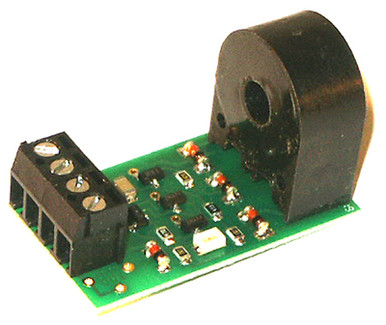 NCEBD20 · Block Detector$15.56In stock
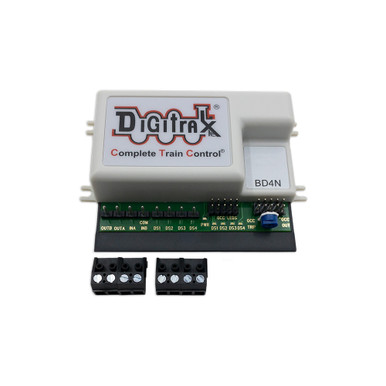 DigitraxBD4N Occupancy Detector For 4 Detection Sections$30.34In stock
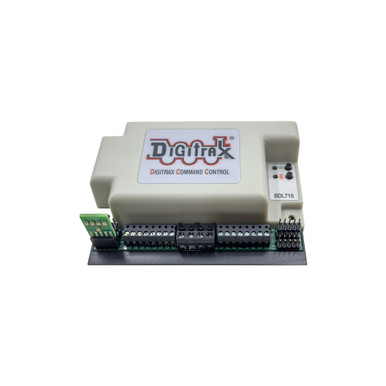 Digitrax(Replaces BDL168)$90.20In stock
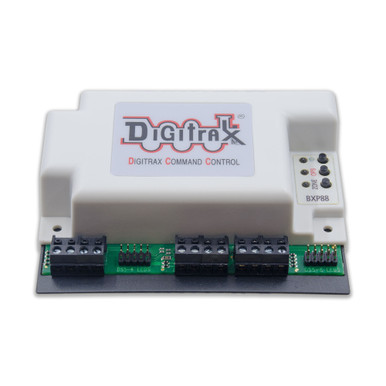 DigitraxBXP88 8 Occupancy Feedback Detector Sections$147.60In stock
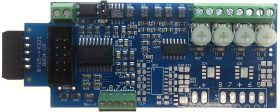 RR-CirKitsLCC BOD4 · Block Occupancy Detector · 4 Blocks$29.84In stock
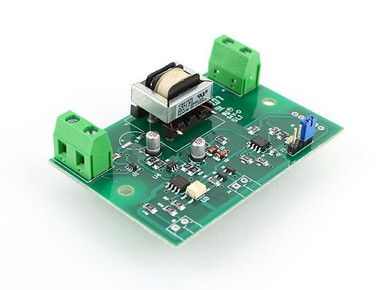 DCC SpecialtiesDCC Block Watcher Block Detector$35.95In stock
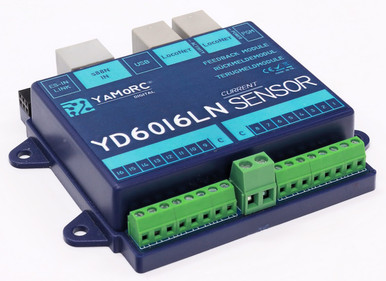 YaMoRCLocoNet 16 Channel Feedback Module · Current Sensing Inputs$112.25In stock
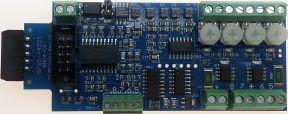 RR-CirKitsLCC BOD4-CP · Block Occupancy Detector & Dual Turnout BOD-4-CP · 4 Blocks$42.80In stock
Advanced DCC Wiring
Signaling
Signals take three things: detection to know where trains are, logic to decide what each signal shows, and drivers to light the heads. You can do it with simple stand-alone boards, a LocoNet or LCC system, or a computer running JMRI.
Shop for this job
Step by step
- 1
Pick a system to model
ABS (automatic block signals) shows red, yellow or green based on the blocks ahead. APB adds protection for opposing moves on single track. CTC lets a dispatcher set routes and signals from a panel.
- 2
Detect every block
Each signal needs to know whether the block ahead is occupied, and often the block after it too. That means a detector on every block it protects.
- 3
Feed in turnout positions
A signal at a turnout should change with the route. Wire the switch machine's spare contacts, or use a stationary decoder that reports position.
- 4
Choose the logic
Stand-alone signal boards, Digitrax's SE74 on LocoNet, RR-CirKits' SignalMan on LCC, or JMRI on a computer. Allan Gartner chose LCC for his own layout, and it runs without a computer.
- 5
Mount and wire the heads
Plan signal spots before scenery goes in, and keep clear of switch machines under the track. Bring cables to a terminal strip near each signal.
Watch how it's done
In stock for this job
See all signals →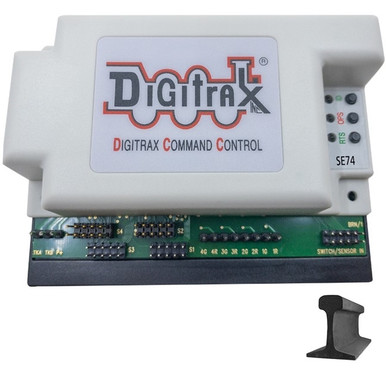 DigitraxLocoNet Signal Decoder & Turnout Control$97.58In stock
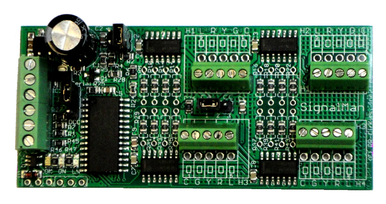 RR-CirKitsSignalMan-S · Screw Terminals · 16 Signal LEDs$47.96In stock
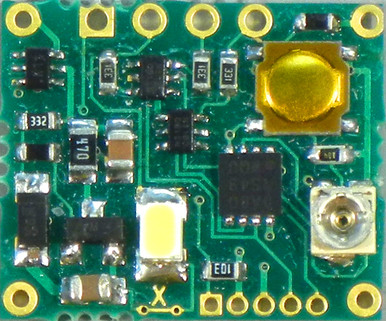 NCELight-It Universal Lighting & Signal Decoder · 6-Pack$36.62In stock
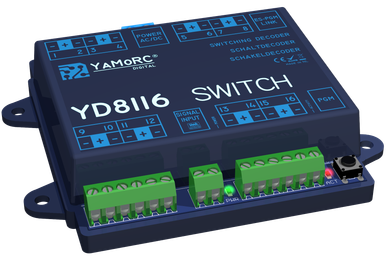 YaMoRC16 Channel DCC Signal & Turnout Decoder$91.03In stock
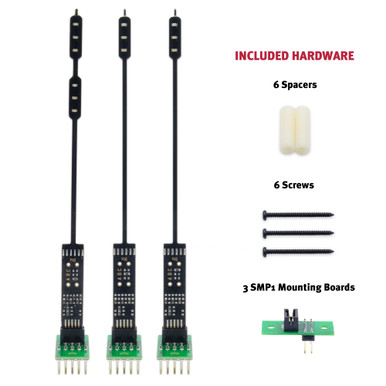 DigitraxHO Scale Turnout Signaling Kit · 3 Signals & Hardware$22.14In stock
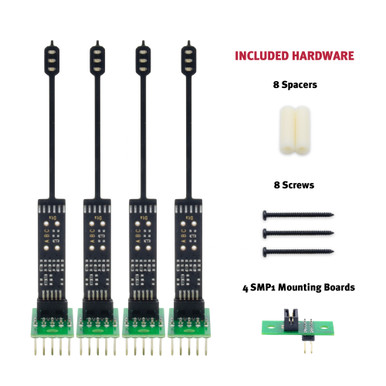 DigitraxN Scale Turnout Signaling Kit · 4 Signals & Hardware$22.14In stock
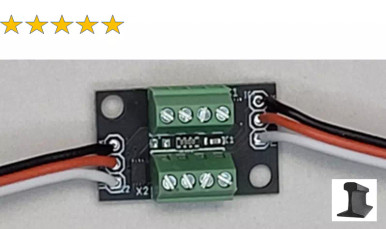 RR-CirKitsSSSB-S Dual Head · Signal Decoder/Driver$9.40In stock
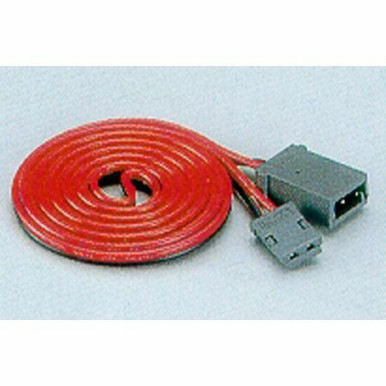 KatoHO / N Scale · UniTrack Extension Cord Automatic 3-Color Signal · (1 pc)$2.50In stock
Advanced DCC Wiring
ABC Braking: Stop at Signals
ABC (Automatic Brake Control, often called ABS braking) was developed by Lenz. A braking module makes the DCC signal slightly uneven in one track section. Decoders that support ABC notice and brake smoothly to a stop. Locos without ABC just keep running normally.
Shop for this job
Step by step
- 1
Check your decoders
Lenz Standard+ V2, Silver+ and Gold+ (and older Gold and Silver), ESU LokSound and LokPilot V4 and newer, all Zimo decoders and DCCconcepts Zen Black support ABC. Turn the feature on in the decoder's CVs.
- 2
Cut a braking section
Gap one rail ahead of the signal for the stopping section. Allow room to slow down, plus some extra.
- 3
Install the braking module
Lenz BM1 (stop), BM2 (slow approach plus stop) and BM3 (automatic blocks) or DCCconcepts' ABC modules feed the section. Most connect to a signal contact or a switch: red means asymmetric (stop), green means normal.
- 4
Tune the stop
Set the braking distance in the decoder. Many decoders support constant braking distance, so every loco stops at the same spot whatever its speed.
- 5
Make sure the booster is clean
ABC needs a symmetrical DCC signal from the booster. ESU warns that some older boosters distort it and stop ABC working.
Watch how it's done
In stock for this job
See all power management →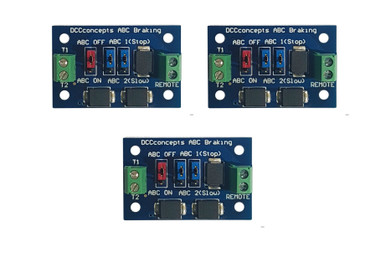 DCCconceptsPack of 3 ABC Slow or Stop Modules$37.29In stock
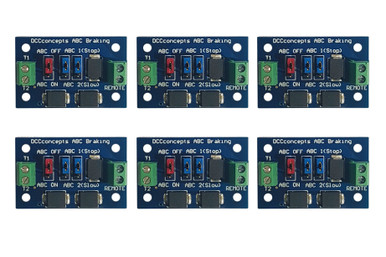 DCCconceptsABC Slow or Stop Modules · 6 Pieces$72.56In stock
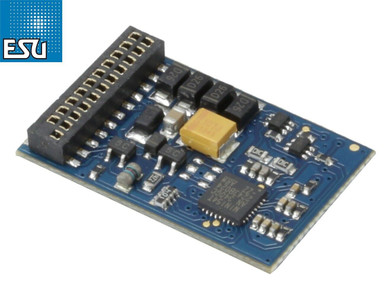 ESULokPilot 5 Basic · 21 Pin DCC Decoder · RailCom$23.92In stock
 ESUV5 Micro DCC Decoder · Direct Kato USA Widebody$103.99In stock
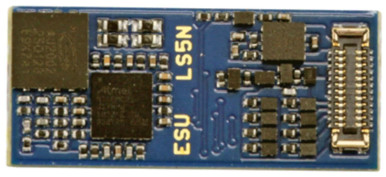 ESULokPilot 5 Nano · E24 DCC Motor Decoder · Fits New Atlas$32.72In stock
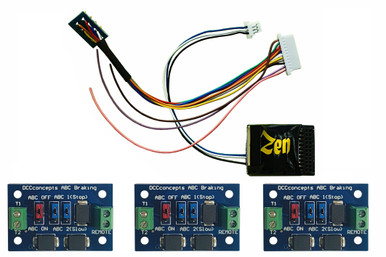 DCCconceptsZen Black DCC Decoder · 21 Pin MTC With 8 Pin Harness · 6 Full Power Functions · 3 ABC Modules$62.19In stock
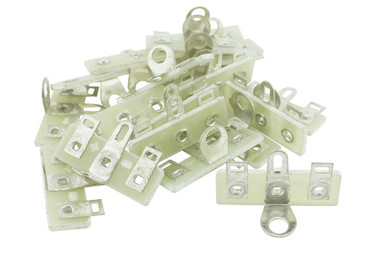 DCCconceptsTrack Bus Terminal Tags · 50 Pack · DCC-Tag50$17.58In stock
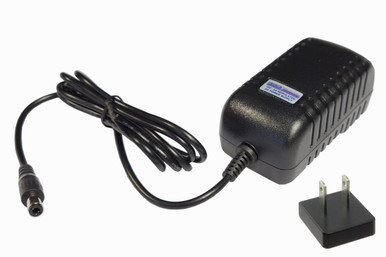 DCCconcepts18V DC, 2A (US) · DC/DCC systems – 2.5mm DC plug$31.07In stock
Advanced DCC Wiring
Shuttle Trains & Simple Automation
A shuttle runs a train from one end of a line to the other, pauses, and comes back, over and over. It's perfect for trolleys, branch lines and show layouts. With DCC you can build the brains into the decoder, the command station or a computer.
Shop for this job
Step by step
- 1
Decoder shuttle with ABC
Some decoders can shuttle on their own. Put an ABC braking module at each end of the line. The loco slows, stops, waits, then reverses. ESU LokSound 5 has an automatic ABC shuttle, and DCCconcepts Zen Black decoders have advanced shuttle control built in.
- 2
Command station shuttle
ESU's ECoS runs up to eight shuttle trains. Put an occupancy detector at each end of the track and set wait time, speed and stops on the screen. It works with any decoder.
- 3
Computer automation
JMRI and other layout software can run shuttles, timetables and whole routes using block detectors.
- 4
Keep both ends safe
Add an end-of-track bumper and leave margin past each stopping point, in case a loco overruns.
Watch how it's done
In stock for this job
See all power management →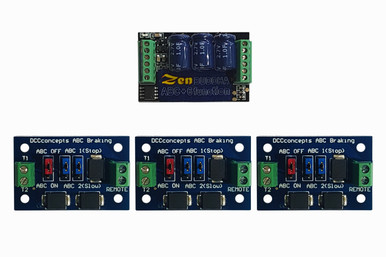 DCCconceptsZen Black Shuttle Pack · Includes Zen Black O & Large Scale “Buddha” DCC Decoder + 3 ABC Modules$103.76In stock
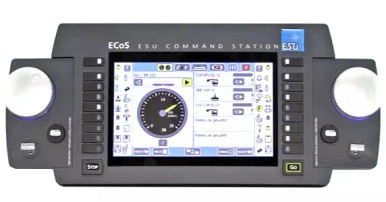 ESUECoS · DCC Command Station · Color Screen · 7A Power Supply$719.20In stock
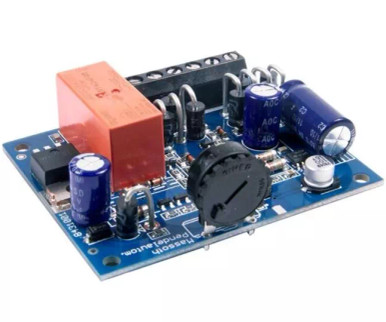 MassothAutomatic Reversing Shuttle For Analog · PIKO & LGB
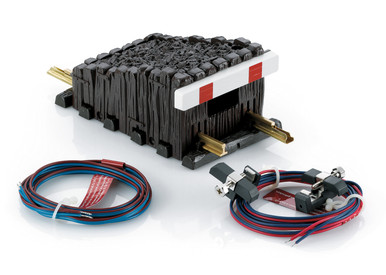 LGBG Scale Shuttle Train Automatic Circuit Box (1 pc) 10345$170.99In stock
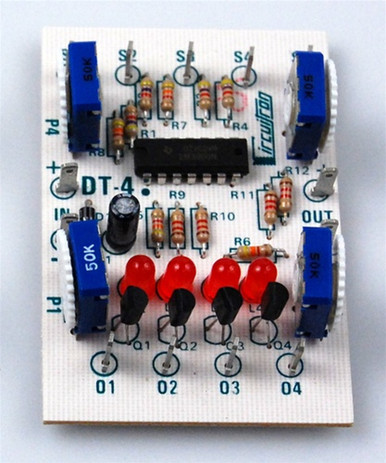 CircuitronDT-4 Bi-Directional Rolling Stock Detector$45.49In stock
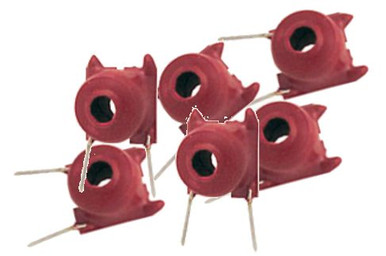 RR-CirKitsCT-Coil-Set-6 · For BOD · 6 pcs$10.23In stock
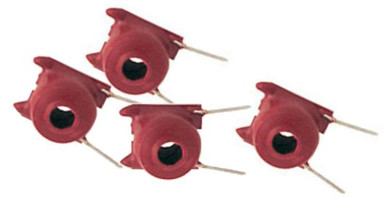 RR-CirKitsCT-Coil-Set-4 · For BOD · 4 pcs$8.00In stock
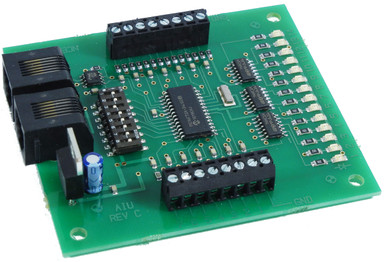 NCEAIU01 Auxiliary Input Unit$51.24In stock
Throttle & Layout Networks
LocoNet (Digitrax)
LocoNet is the network Digitrax uses for throttles, boosters, detectors, signal and turnout decoders, and computer interfaces. Many other brands, like YaMoRC, Digikeijs, RR-CirKits and ESU's converter, speak it too.
Shop for this job
Step by step
- 1
Use flat 6-wire cable
Digitrax recommends flat six-conductor telephone cable with RJ12 6P6C plugs. Shielded twisted pair, like Cat5, actually hurts LocoNet performance.
- 2
Know the pins
Pins 2 and 5 are ground, 3 and 4 carry LocoNet data, and 1 and 6 carry RailSync, a copy of the track signal that boosters use.
- 3
Wire it any shape except a ring
Star, tee and branch are all fine. Never loop LocoNet back on itself. That shorts the RailSync lines.
- 4
Stay within the length limits
About 2000 ft of cable in total, and no more than 1000 ft between any two devices. Only the command station provides termination.
- 5
Add panels and Wi-Fi
Universal panels (UP7) put throttle jacks on the fascia. An LNWI adds phone throttles through WiThrottle and Engine Driver apps.
Watch how it's done
In stock for this job
See all cables & connectors →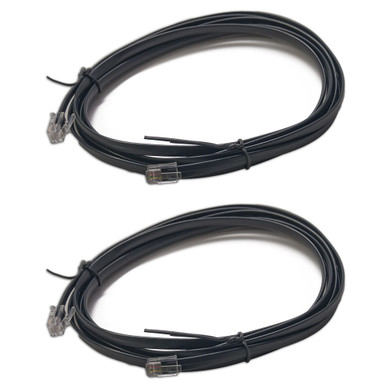 DigitraxLNC82 8 Foot LocoNet Cables With End Connectors Installed (2 pcs)$9.84In stock
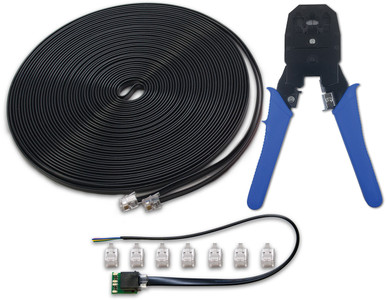 DigitraxLocoNet Cable Maker Kit$44.28In stock
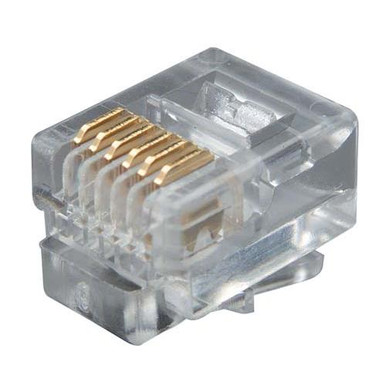 DigitraxLNRJ12P20 RJ12 Plugs-20 Pack$9.84In stock
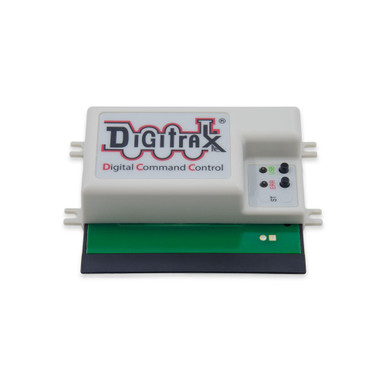 DigitraxLNWI LocoNet WiFi Interface$68.06In stock
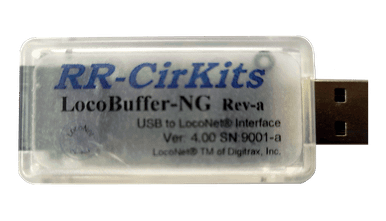 RR-CirKitsLocoBuffer-NG · Next Generation LocoBuffer · LB-NG$55.16In stock
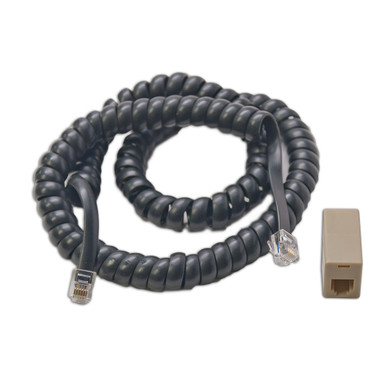 DigitraxLNCCMC1 Coiled LocoNet Cord With Modular Adapter$14.76In stock
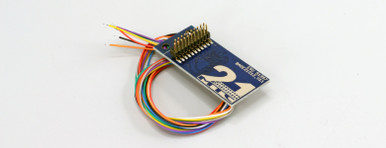 ESU21 Pin 21MTC Adapter Board 3 With 200mm Wires & Amplifier · 8 Outputs$12.39In stock
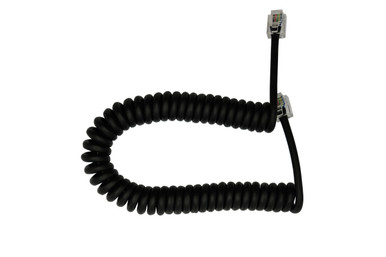 DCCconceptsRJ12 6pin Curly Cord For NCE Power Cab & Cobalt Alpha · DCD-ACL$12.94In stock
Throttle & Layout Networks
NCE Cab Bus
Cab Bus links NCE throttles, fascia panels and accessories like the AIU to the command station. It's an RS-485 bus that runs as one continuous daisy chain, so the rules differ from LocoNet.
Shop for this job
Step by step
- 1
Run one daisy chain
Cab Bus should be a continuous chain from panel to panel, up to 1000 ft, with no branches longer than about 20 ft.
- 2
Use the right cable
RJ12 plugs, with the center four wires used. The flat 6-wire cable for the Power Cab carries track power as well as the bus. NCE says to use only their cable for that job.
- 3
Plan cab addresses
A Power Pro system supports up to 63 cab addresses, including accessories like the AIU and USB interface. The Power Cab supports up to 4 cabs.
- 4
Keep the voltage up
Cabs need at least 8 V DC on the bus, measured between pins 2 and 5. Long, thin cables drop voltage.
- 5
Boosters use the control bus
NCE boosters connect over a separate 4-wire control bus cable (RJ-H/RJ9) that can run up to 300 ft.
Watch how it's done
In stock for this job
See all cables & connectors →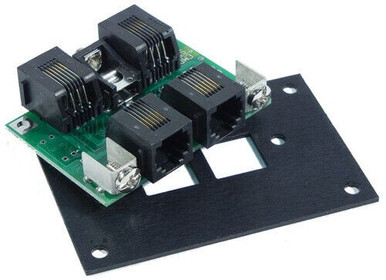 NCEUTP · Panel Cab Bus Fascia Panel w/RJ12 Plugs$25.60In stock
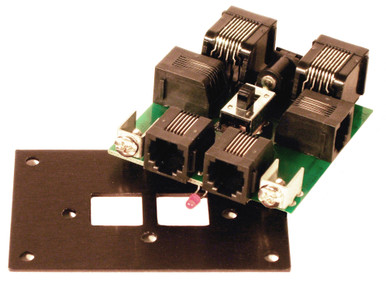 NCEUTP-CAT5 · Cab Bus Fascia Panel With CAT5 Rear Connections$27.07In stock
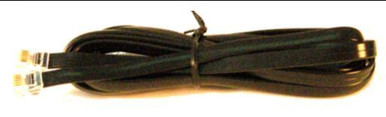 NCERJ12-7 · 6 Wire Straight Cab Bus Cable · 7 Feet$7.29In stock
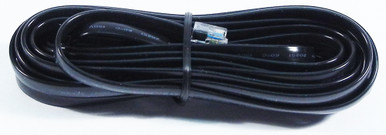 NCERJ12-12 · 6 Wire Straight Cab Bus Cable · 12 Feet$8.75In stock
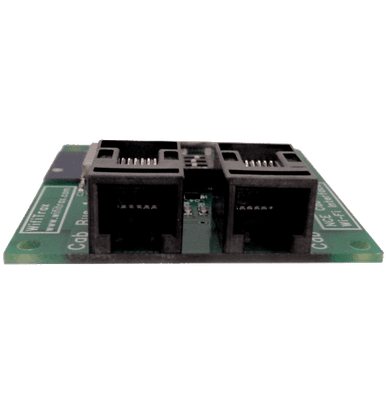 WifiTraxNCE Cab Bus Wi-Fi Interface Module · WiThrottle Server$112.23In stock
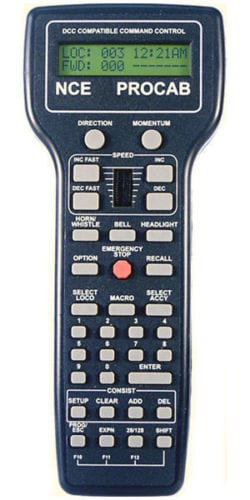 NCEProCab · Wired Handheld DCC Cab Throttle With Cable, Backlit$179.99In stock
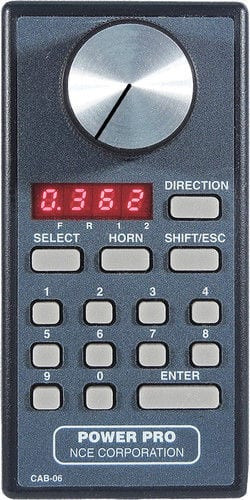 NCECab06 · Power Pro Cab/LED Display/Digital Encoder$101.36In stock
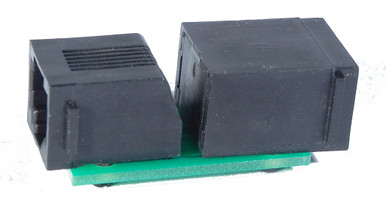 NCE8 Wire Adapter Converts 6 Wire · RJ12 Cab Bus To 8 Wire RJ45$10.10In stock
Throttle & Layout Networks
XpressNet & Multi-Bus Systems
XpressNet is Lenz's throttle network, also used in Roco and other European-style systems. Multi-bus command stations like the YaMoRC YD7010 and Digikeijs DR5000 speak XpressNet, LocoNet and other buses at the same time, so you can mix throttle brands.
Shop for this job
Step by step
- 1
Know the basics
XpressNet is an RS-485 bus running at 62.5 kBaud. The command station gives each connected device a time slot.
- 2
Wire it as a bus
Lenz says the wires shouldn't be thinner than 0.25 mm², and 0.5 mm² or larger is better.
- 3
Give every device its own address
Each throttle or interface needs a unique XpressNet address.
- 4
Mix throttles on a multi-bus station
A multi-bus command station can take LocoNet, XpressNet and other throttles at once. It's a good way to keep the throttles you already own.
Watch how it's done
In stock for this job
See all command stations →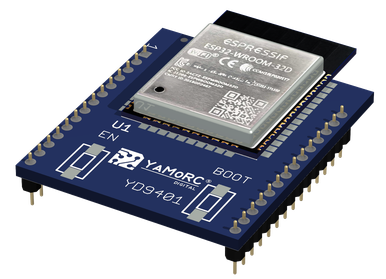 YaMoRCWiFi / LAN Module to Replace a Digikeijs DR5000's RM04$86.03In stock
 DigikeijsLocoNet / XpressNet / Cab Bus / R-Bus Cable · 6-Pin · 6m / 19.7'$7.72In stock
 DigikeijsLocoNet / R-Bus / XpressNet Cable · 3m / 9.8'$4.99In stock
 DigikeijsLocoNet / XpressNet / Cab Bus / R-Bus Cable · 6-Pin · 7m / 23'$9.49In stock
 MassothDiMAX · Receiver For Navigator With XpressNet & LocoNet$137.23In stock
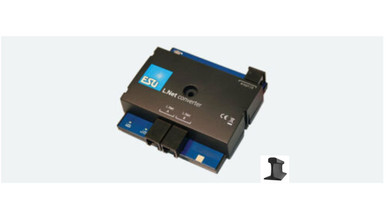 ESUThe Integrator · LocoNet For ESU ECoS, CabControl & CS1 50097$79.92In stock
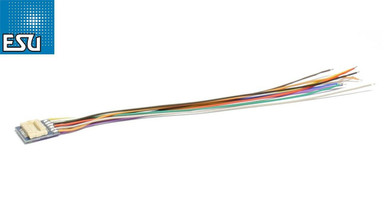 ESU18 Pin Next18 Socket to Open Wires · 88mm · With Heat Shrink Tube$6.79In stock
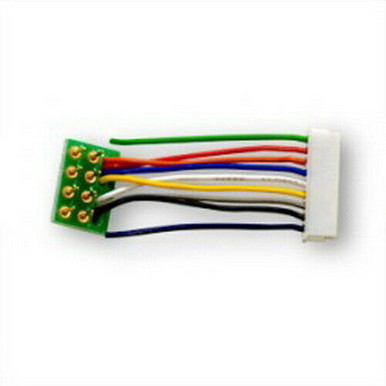 Digitrax9 Pin To 8 Pin Wire Short Harness (1 pc)$6.56In stock
Throttle & Layout Networks
LCC: Layout Command Control
LCC is an NMRA standard network for everything that isn't a locomotive: signals, turnouts, block detection, buttons and lights. Taking that traffic off the DCC bus keeps loco commands fast, and LCC nodes talk to each other directly, with no computer required.
Shop for this job
Step by step
- 1
Learn the parts
Nodes are the boards that do the work (inputs, outputs, signals, detectors). They link with CAT5-style cables on a CAN bus.
- 2
Terminate both ends
The LCC bus runs node to node and needs a terminator at each end.
- 3
Configure, don't program
You set up nodes with a configuration tool like JMRI. Events link an input, like a button or detector, to outputs, like a turnout or signal.
- 4
Bridge to your DCC system
Interfaces let LCC work alongside Digitrax, NCE and others. TCS shows LCC with both Digitrax and NCE systems.
- 5
Start small
One Tower LCC node, a few buttons and a turnout make a great first project. Add signals and detection later.
Watch how it's done
In stock for this job
See all lcc →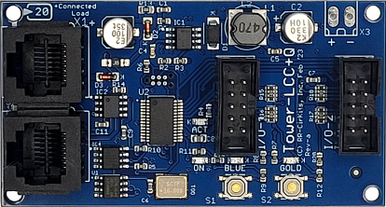 RR-CirKitsTower LCC + Q · 16 Line Input / Output Node + STL Logic · RRCLCC+Q$63.96In stock
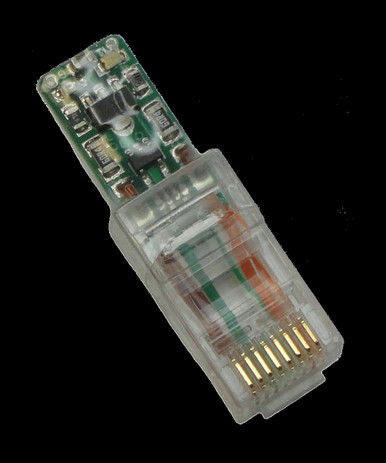 RR-CirKitsNMRA Can Bus LCC Termination · Terminator Pair (2 pcs)$13.20In stock
 RR-CirKitsButton Quik-Link · Button-QL LCC Quick Connection$9.56In stock
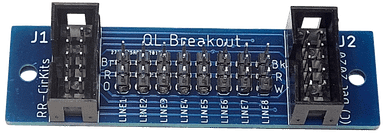 RR-CirKitsBreakout Quik-Link · Adds 8 LCC Quick Link Devices$4.76In stock
 RR-CirKitsSMD-8 · Stall Motor Driver For 8 Switch Machines$35.04In stock
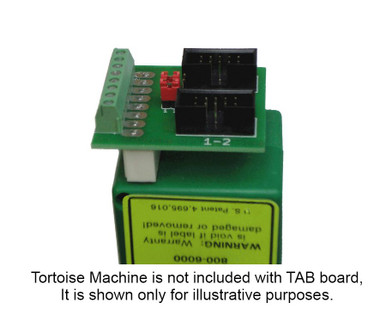 RR-CirKitsTab · Tortoise Adapter Board · 10 Pin$10.28In stock
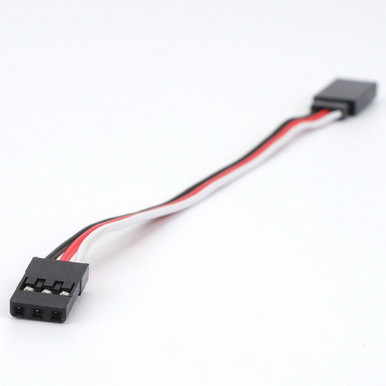 RR-CirKitsCAB-Servo-M-M 20 · 20" Servo Cable For Quik-Link$1.79In stock
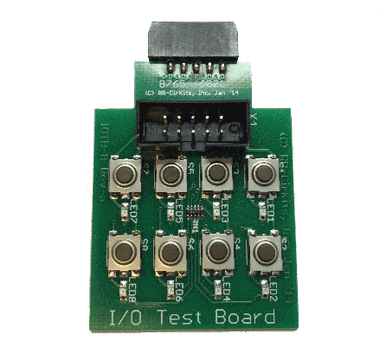 RR-CirKitsI/O Test Board · 8 Buttons & LEDs$10.36In stock
Where to Start
- 1Basic DCC WiringStart here. Power, bus and feeders, turnouts, reverse loops and a programming track: everything a first DCC layout needs.How DCC Power WorksTrack Bus & FeedersThe Quarter Test & Finding ShortsDCC-Friendly Turnouts & FrogsReverse Loops, Wyes & TurntablesProgramming TrackTurnout Control & Stationary Decoders
- 2Advanced DCC WiringPower districts, auto reversers, more boosters, detection, signals, automatic braking and shuttles.Power Districts & Circuit BreakersAuto ReversersBoosters: Common Ground vs Opto-IsolatedBlock DetectionSignalingABC Braking: Stop at SignalsShuttle Trains & Simple Automation
- 3Throttle & Layout NetworksThe cables that connect throttles, panels and accessories: LocoNet, Cab Bus, XpressNet and LCC.LocoNet (Digitrax)NCE Cab BusXpressNet & Multi-Bus SystemsLCC: Layout Command Control
Free tool
Wire Size Finder
Pick your scale, booster size and how far the bus runs from the booster to the farthest track. You'll get bus and feeder sizes, feeder spacing and what to do on long runs.
Bus and feeder size ranges and feeder spacing are Allan Gartner's suggestions from Wiring for DCC. Voltage drop is simple math: booster amps × copper wire resistance × the out-and-back length. We highlight the lightest wire in Allan's range that stays under 1 volt of drop; heavier wire is always fine. Always finish with the quarter test.
Track Plan Check: Do I Need a Reverser?
If a train can leave a spot and come back facing the other way, one rail meets the other somewhere and you need a reversing section. The orange piece in each drawing is a good place for it: gapped in both rails and longer than your longest train.
Next step: Reverse Loops, Wyes & Turntables and Auto Reversers.
Network Cheat Sheet
Throttle networks (LocoNet, Cab Bus, XpressNet) carry throttles and system devices. LCC is a separate layout network for signals, turnouts and detection. From Digitrax, NCE, Lenz and NMRA documentation.
| LocoNet | NCE Cab Bus | XpressNet | LCC | |
|---|---|---|---|---|
| Used by | Digitrax, plus YaMoRC, Digikeijs, RR-CirKits and others | NCE (also older Wangrow and PSI Dynatrol systems) | Lenz, Roco and multi-bus stations | NMRA standard: RR-CirKits, TCS and others |
| Job | Throttles, boosters, detection, accessories | Throttles, panels, AIU and USB | Throttles and accessories | Signals, turnouts, detection, lights |
| Cable | Flat 6-wire, RJ12 6P6C | RJ12 (center 4 wires); NCE flat 6-wire for Power Cab | Bus cable, at least 0.25 mm² | CAT5-style cable |
| Layout | Free-form: star, tee, branch. Never a ring | One daisy chain, branches under ~20 ft | Bus | Node to node, terminator at each end |
| Length | ~2000 ft total, ≤1000 ft between devices | Up to 1000 ft | Follow Lenz's wiring guide | See node maker's guide |
| Devices | Many (power-hungry ones need their own supply) | Up to 63 cab addresses (Power Cab: 4) | One address per device | Many nodes |
Wiring for DCC
For nearly 30 years, Allan Gartner has answered model railroaders' DCC wiring questions for free at WiringForDCC.com: bus and feeders, turnouts, reversing sections, boosters, block detection, signaling and LCC, with hundreds of diagrams. It's the reference we send customers to, and much of the advice on this page comes from it.
Iron Planet Hobbies is proud to sponsor Allan's site. If it helps you, tell him we sent you.
DCC Wiring Words, Made Simple
- Bus
- The heavy pair of wires under the layout that carries track power from the booster.
- Feeder
- A short wire from the bus up to the rail.
- Booster
- Turns the command station's signal into track power. Each booster powers its own district.
- Power district
- A section of track with its own short-circuit protection: a booster or a circuit breaker.
- Reversing section
- Track where a train can turn around. Needs gaps in both rails and polarity switching.
- Frog
- The point where two rails cross in a turnout. Plastic (dead) or metal (powered).
- Snubber
- A resistor plus capacitor across the far end of a long bus, to calm voltage spikes.
- Stationary decoder
- A decoder for turnouts, signals or lights instead of a locomotive.
- Opto-isolated
- A booster input that's electrically separate from the booster's output, needed for common-rail wiring.
- CV
- Configuration Variable: a numbered setting inside a decoder.
Stuck on a Wiring Problem?
Tell us your system and what's happening, and we'll help you find the fix and the right parts. Call 833-322-4373 or send us a message.
DCC Wiring FAQ
What size wire should I use for a DCC bus?
Allan Gartner's Wiring for DCC suggests 16–14 AWG for Z and N, 16–12 AWG for HO, and 14–10 AWG for S, O and G. Heavier is always fine. The real test: shorting the track at the far end must trip the booster (the quarter test).
How often do I need track feeders?
About every 10 ft for code 100 rail and every 6 ft for code 83 and smaller. In N and Z, every 3 to 6 ft. If joiners aren't soldered, or the rail is weathered, put a feeder on every piece of rail.
What is the quarter test?
Lay a coin across the rails anywhere on the layout. The booster or circuit breaker must shut off right away, every time, everywhere. If it doesn't, the wiring is too weak and a short could overheat something.
Do I need blocks with DCC?
Not like DC cab blocks. You only need gaps for reversing sections, block detection, power districts and boosters. A few sections still make finding shorts much easier.
Why does my layout short when a train enters a loop or wye?
That track is a reversing section: one rail meets the other. Gap both rails at both ends, make it longer than your longest train, and add an auto reverser or a polarity switch.
Do I need DCC-friendly turnouts?
They make life easier. On a DCC-friendly turnout the point rails always match the stock rails, and the frog is isolated, so wheels can't short across the points. Powered frogs then need a switch, relay or frog juicer to set polarity.
When do I need a second booster?
When you run more trains at once than one booster can handle, not because the layout is big. Allan Gartner's rule of thumb: a 5-amp booster runs six to eight HO locomotives.
What's the difference between common-ground and opto-isolated boosters?
Common-ground boosters (most NCE and Digitrax) need a heavy booster common wire between them and gaps in both rails between districts. Opto-isolated boosters are for common-rail layouts: no booster common wire, a separate power supply for each booster, and never use the booster's auto-reverse feature.
Can I mix LocoNet, Cab Bus and XpressNet?
Not directly: each is its own network. Multi-bus command stations and some interfaces can connect more than one, and Wi-Fi throttle apps work with most systems through WiThrottle.
Where can I buy DCC wiring supplies?
Every guide on this page links to the matching Iron Planet Hobbies categories, with in-stock picks from Digitrax, NCE, Tam Valley Depot, DCC Specialties, RR-CirKits, DCCconcepts, ESU, TCS and more.
Guides written by Iron Planet Hobbies from Allan Gartner's Wiring for DCC and the manufacturers' published instructions (Digitrax, NCE, Lenz, ESU, TCS, Tam Valley Depot, DCC Specialties, NMRA), linked in each guide. Always follow the instructions that come with your equipment. Videos play from their creators' YouTube channels. Product names belong to their manufacturers. Prices and stock checked October 30, 2026.